Helping your team spend with confidence
Friendly reads about receipts, budgets and the small habits that keep every project on track. No jargon, no lectures, promise.
Get TaskSpend
TaskSpend 1.3: Siri, submittals, cash flow, and how to use them
Add expenses with Siri without opening the app, ask TaskSpend about your spending, send big purchases to a teammate for review, see your personal cash flow, put subscriptions on autopilot, and import bank statements on the web. Step by step.
Read the post →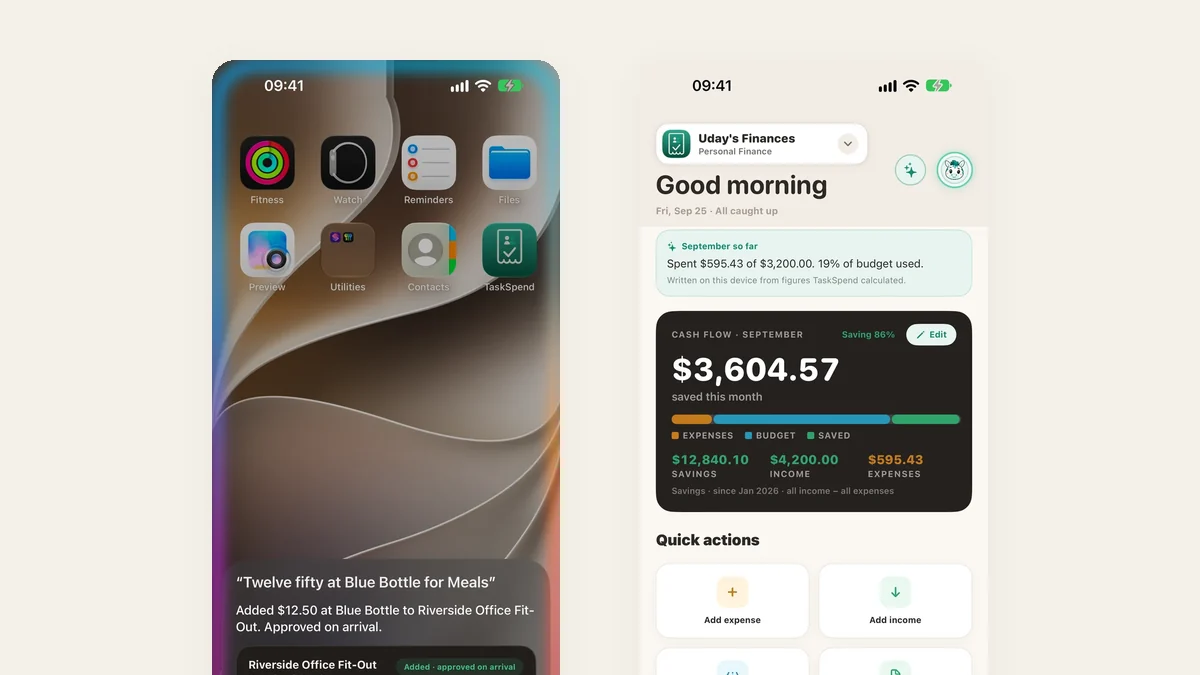 15 September 2026 Updates
TaskSpend is now on the web, for the people who approve and report
Owners and Approvers can sign in at app.taskspend.com to review every expense type, watch budgets, manage the team and build reports from a real desk. Same account, same workspaces, same subscription as the iPhone app.
Read the post →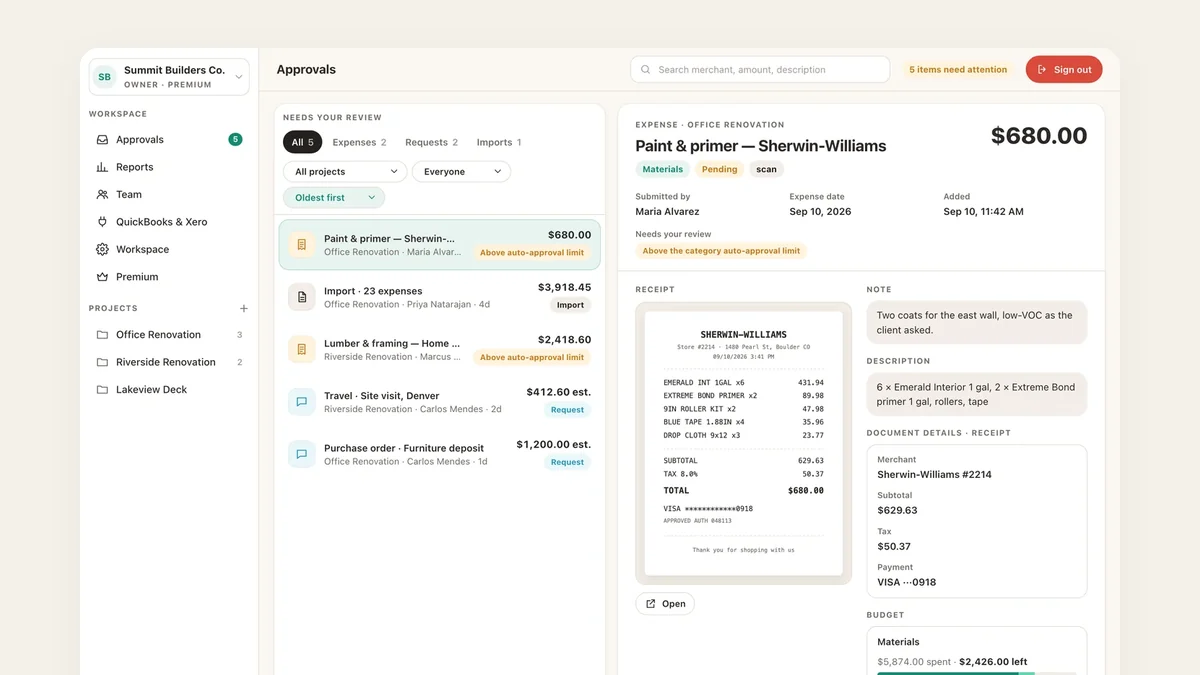 15 September 2026 Updates
What’s new in TaskSpend: September 2026
TaskSpend 1.2 for iPhone and iPad: Business, Personal and Family workspaces, Taskie the illustrated mascot, invoices and receipts with line items, swipe-to-approve, one Add Expense sheet for every type, and a web app for owners and approvers.
Read the post →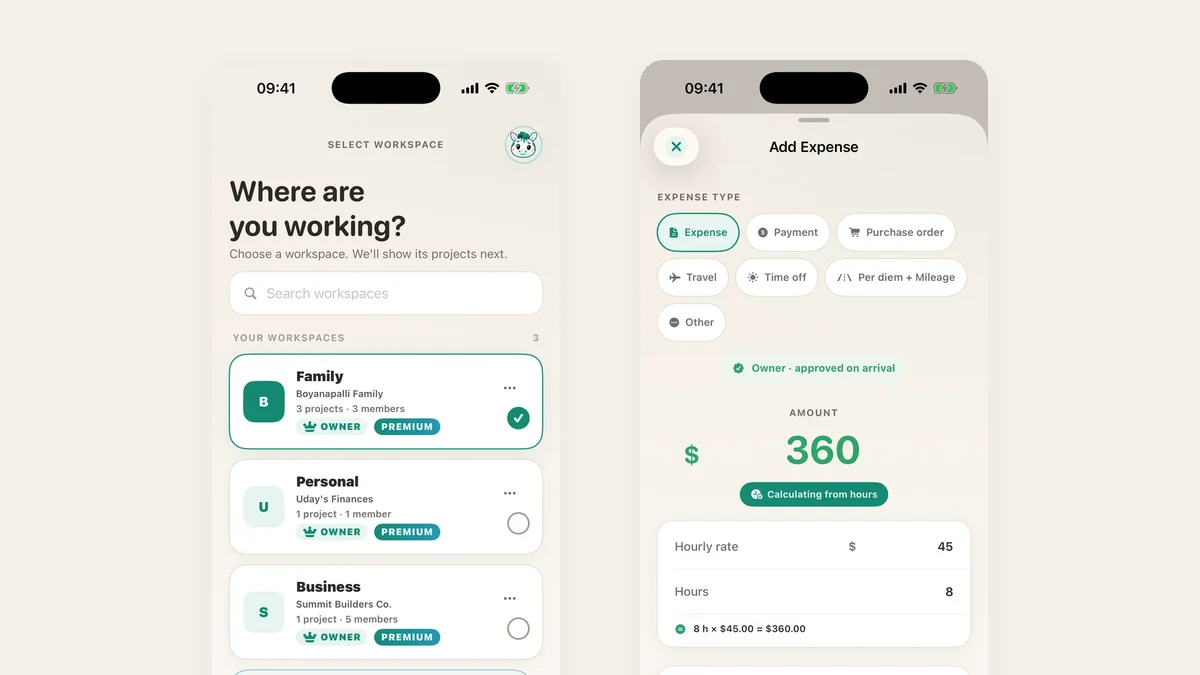 4 September 2026 Integrations
Coming soon: connect your bank, and transactions arrive on their own
Bank sync is coming to TaskSpend Premium. Link a checking, savings, or credit card account through Plaid and new transactions land in TaskSpend by themselves, categorised and ready to review, for personal, household, and business spending.
Read the post →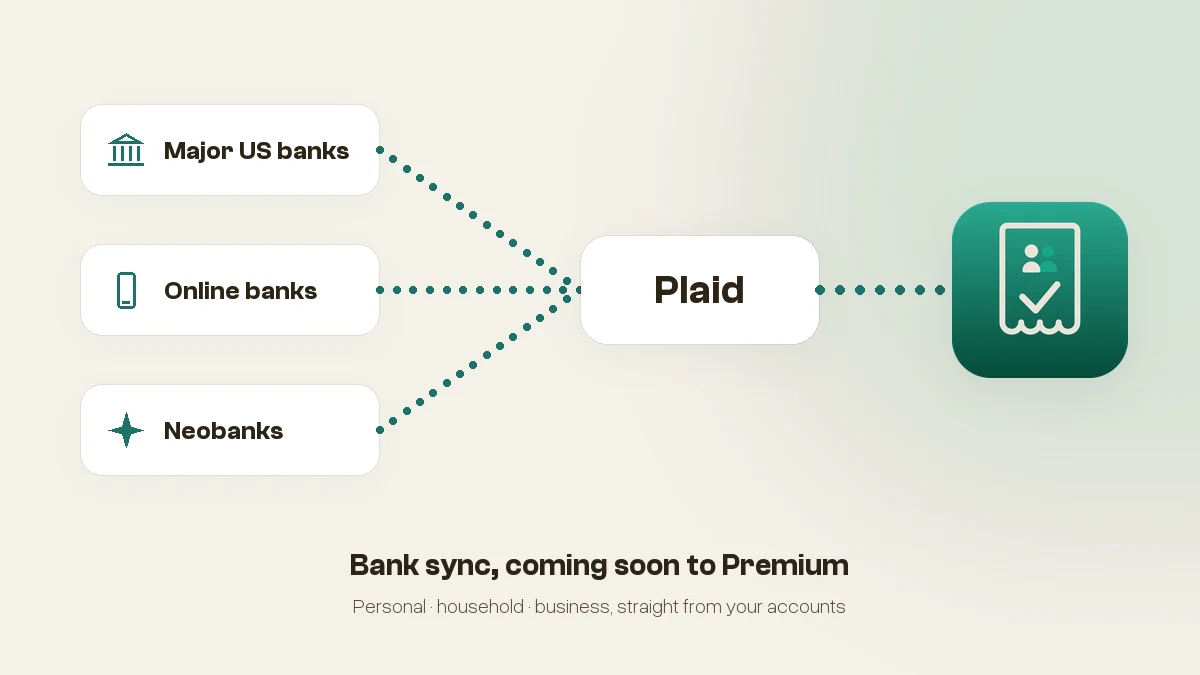 30 August 2026 Guides
How to use budget cost resources in TaskSpend
Split a project budget across cost resources like labour, materials and equipment, set an auto-approval limit on each, and watch every one of them against real spend.
Read the post →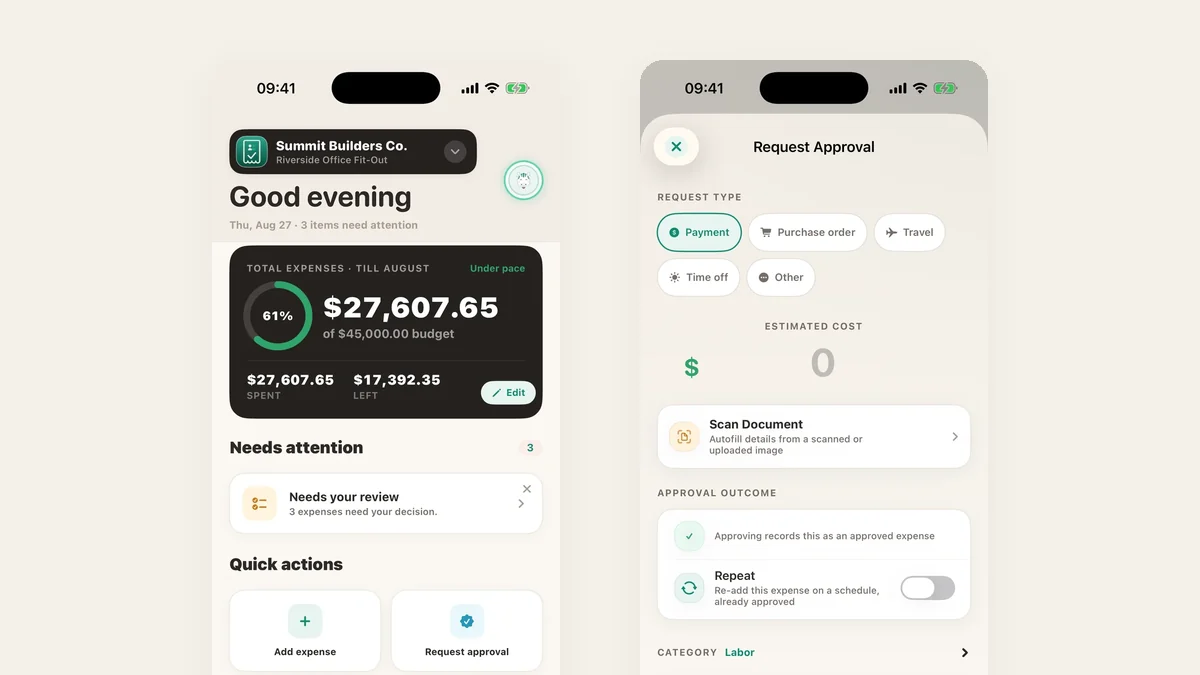 Updated 15 September 2026 Guides
Project expense tracking: a step-by-step guide, tools and tips
A practical guide to tracking project expenses: set a budget, split it by cost category, approve before money moves, capture receipts, and close the month without a spreadsheet reckoning.
Read the post →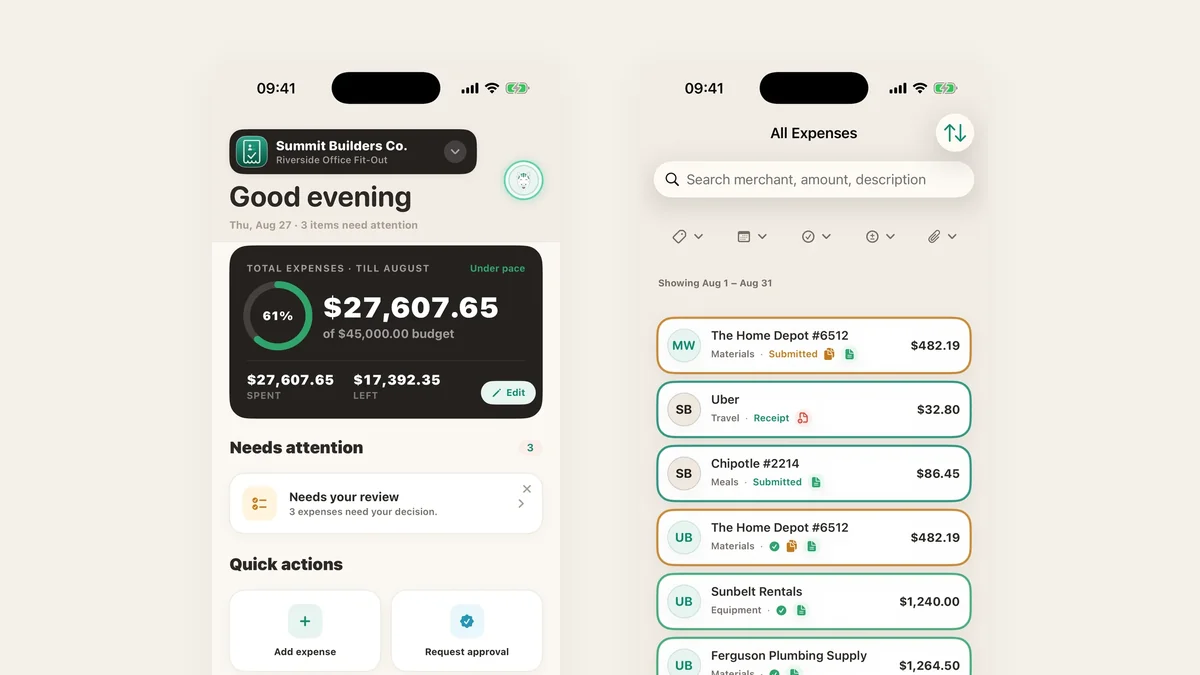 28 August 2026 Updates
What’s new in TaskSpend: August 2026
One-tap Lock Screen scanning, expenses in any currency, invoices and Spending Review on every plan, offline capture, and one Premium subscription for all your organizations.
Read the post →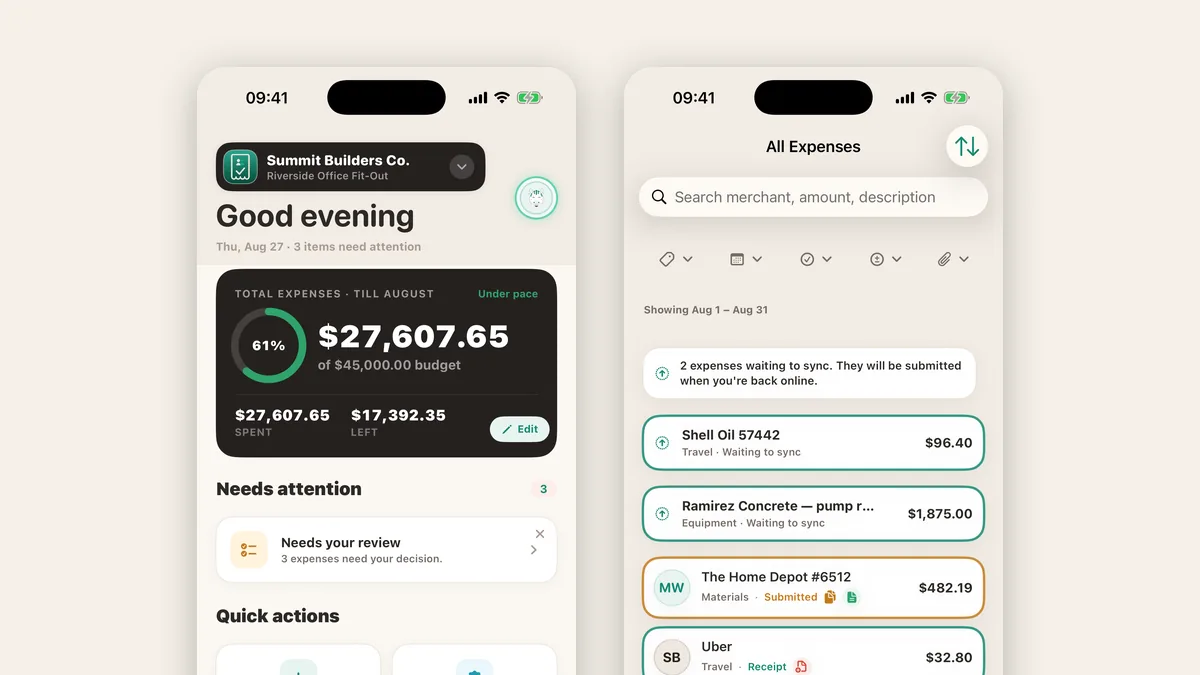 26 August 2026 Updates
Euros in, dollars out: expenses in any currency
Scan a foreign receipt and TaskSpend detects the currency, converts it at the day's reference rate, and keeps the original amount on record.
Read the post →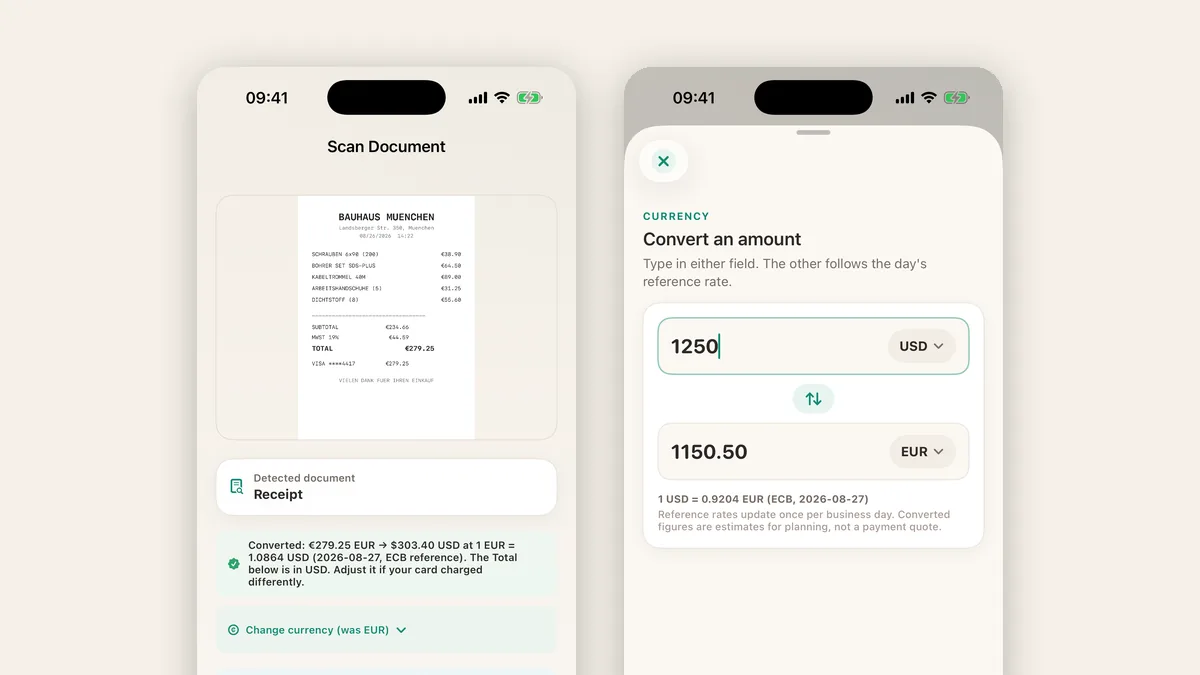 25 August 2026 Updates
Invoices and Spending Review, now on every plan
Turn approved project expenses into a branded PDF invoice, five a month on the free plan, and close the month with a review that catches duplicates.
Read the post →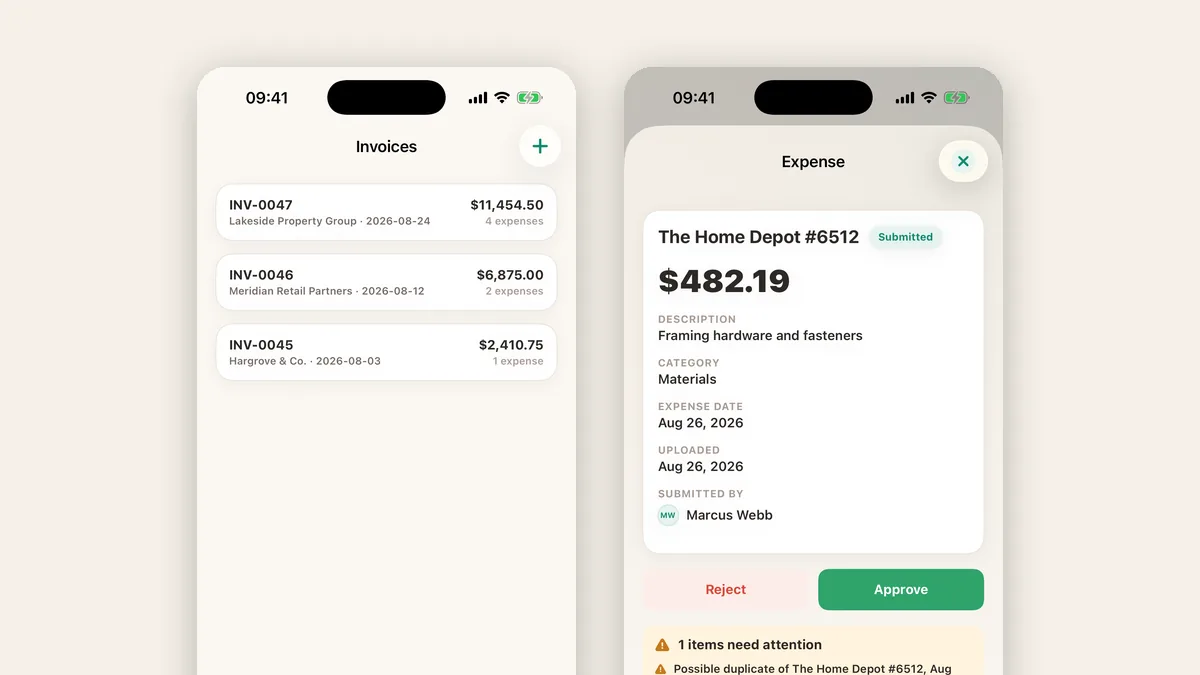 Updated 15 September 2026 Integrations
How to sync project expenses with QuickBooks Online or Xero
Connect a TaskSpend project to QuickBooks Online or Xero and push approved expenses into your books. Owner-controlled, per project, nothing syncs without your say-so, and setup takes a few minutes.
Read the post → Updated 15 September 2026 Teams
Construction expense tracking for small contractors: budgets, receipts and approvals that keep a job honest
How a small crew tracks job costs: one project per job, receipts photographed at the counter, a four-step approval workflow for the big buys, a week on site to show it working, and a clean handover at the end.
Read the post → Updated 15 September 2026 Receipts
Receipts, sorted: the 8-second habit, how scanning works, and why they stay yours
Why receipts pile up and the habit that stops it, what actually happens when TaskSpend reads a receipt on your phone, the one-tap Lock Screen scanner, what Premium adds, and why your receipts are nobody’s business but yours.
Read the post →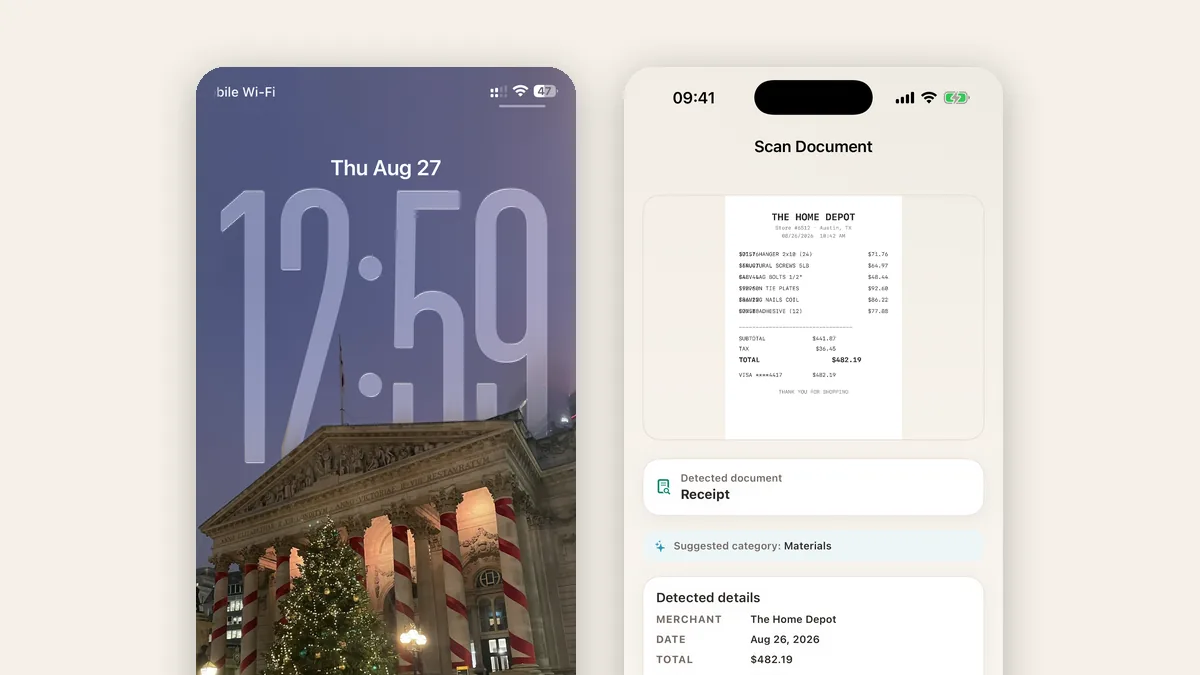
Nothing in that topic yet.
Get the app and occasional posts worth reading
Leave your email. We will send you the link to TaskSpend, and a note when something new goes up.