What’s new in TaskSpend: September 2026
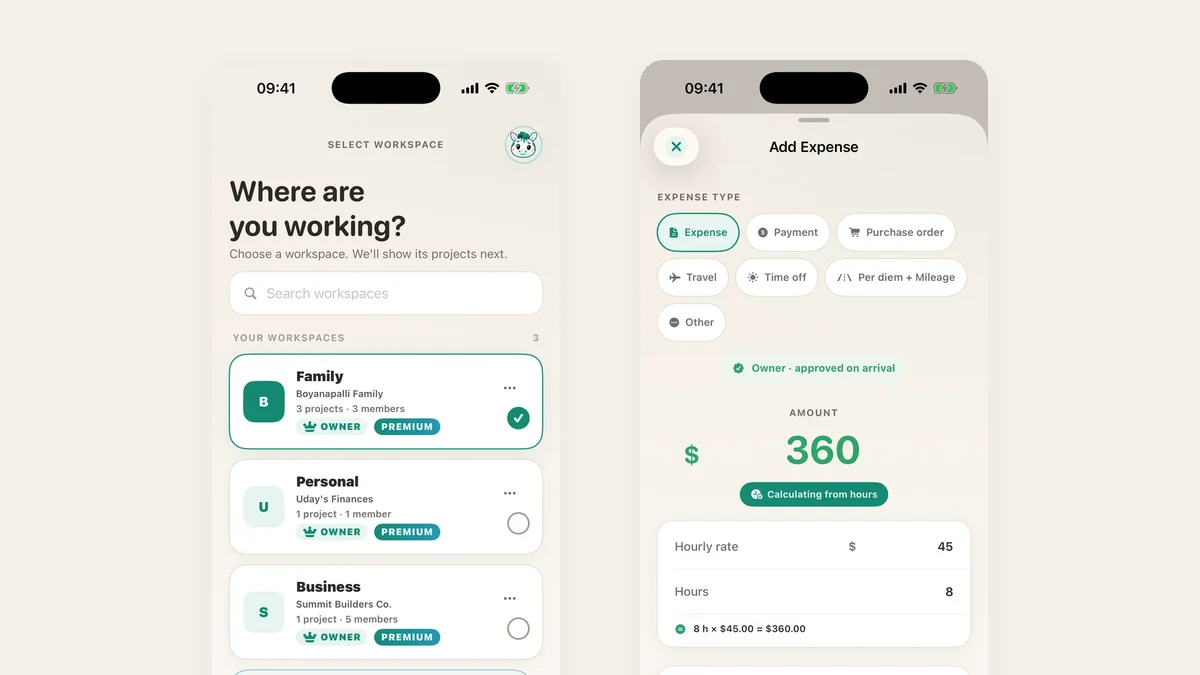
TaskSpend 1.2 is on the App Store, and it is the biggest release since launch. Workspaces for work, home and just you. A mascot with a name. Invoices with real line items. Approvals you can swipe. One form for every kind of expense. And, for the first time, TaskSpend outside the phone: a web app for owners and approvers, on the same subscription.
Workspaces for how you spend
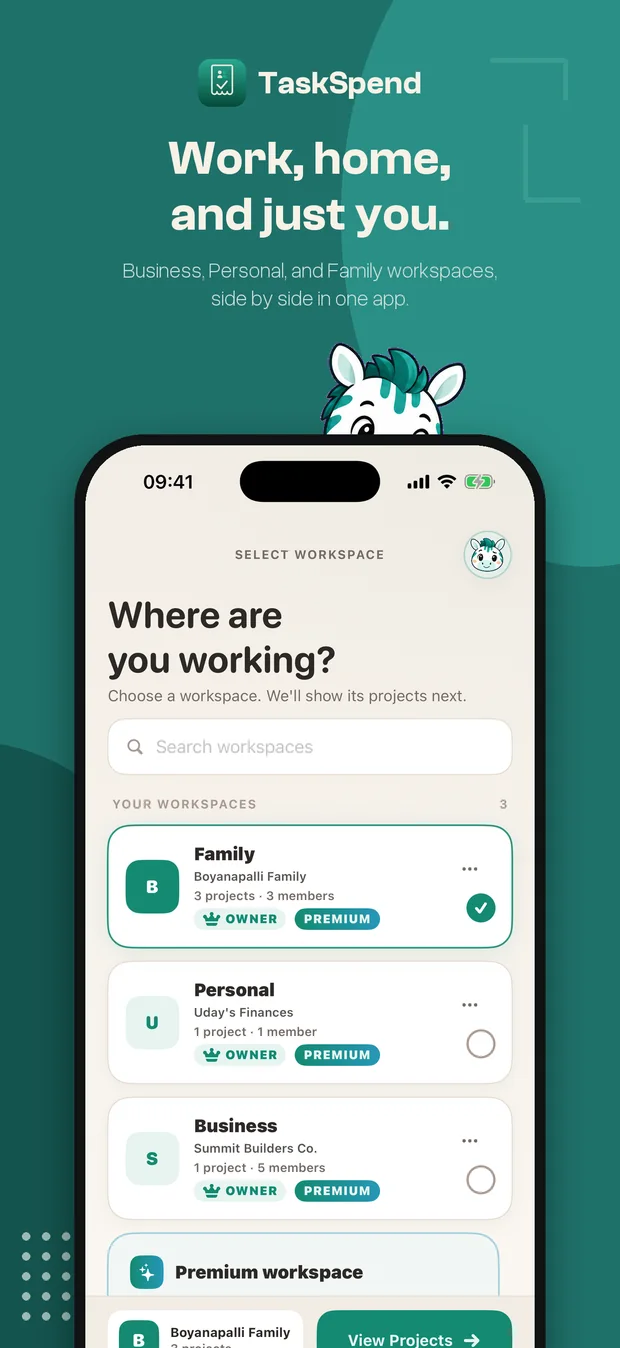
Pick the workspace that fits, each with its own projects and budgets, and switch between them in a tap. Every plan includes three.
- Business. Projects with budgets, categories, team roles and approvals, for client work, job sites, productions and events.
- Personal. Budgets just for you. Everything you add is approved automatically, no reviews.
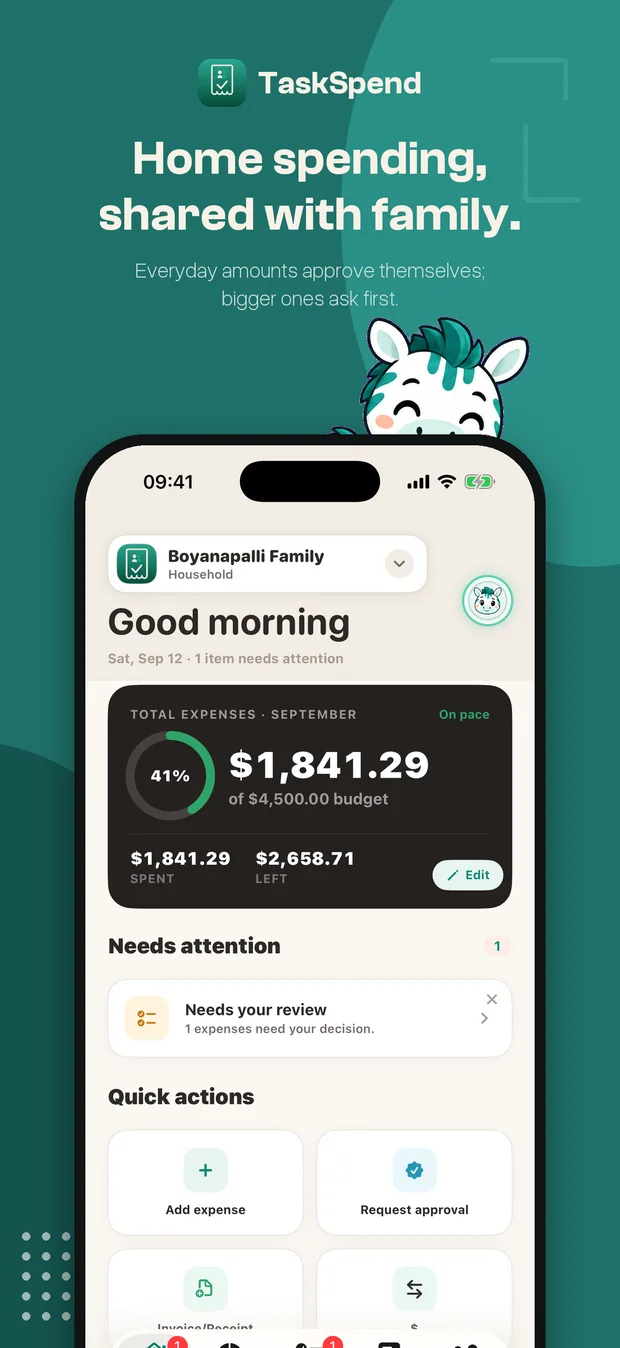
- Family. Shared household budgets, groceries, the kids, a renovation, with family members invited in.
Meet Taskie
Our illustrated zebra now greets you at sign-in, keeps you company on the Face ID lock screen, pops up in dialogs and grazes while things load. Tap the face on the lock screen and it looks back. This is the same Taskie you have seen on this site, finally at home in the app.
Invoices and receipts, with line items
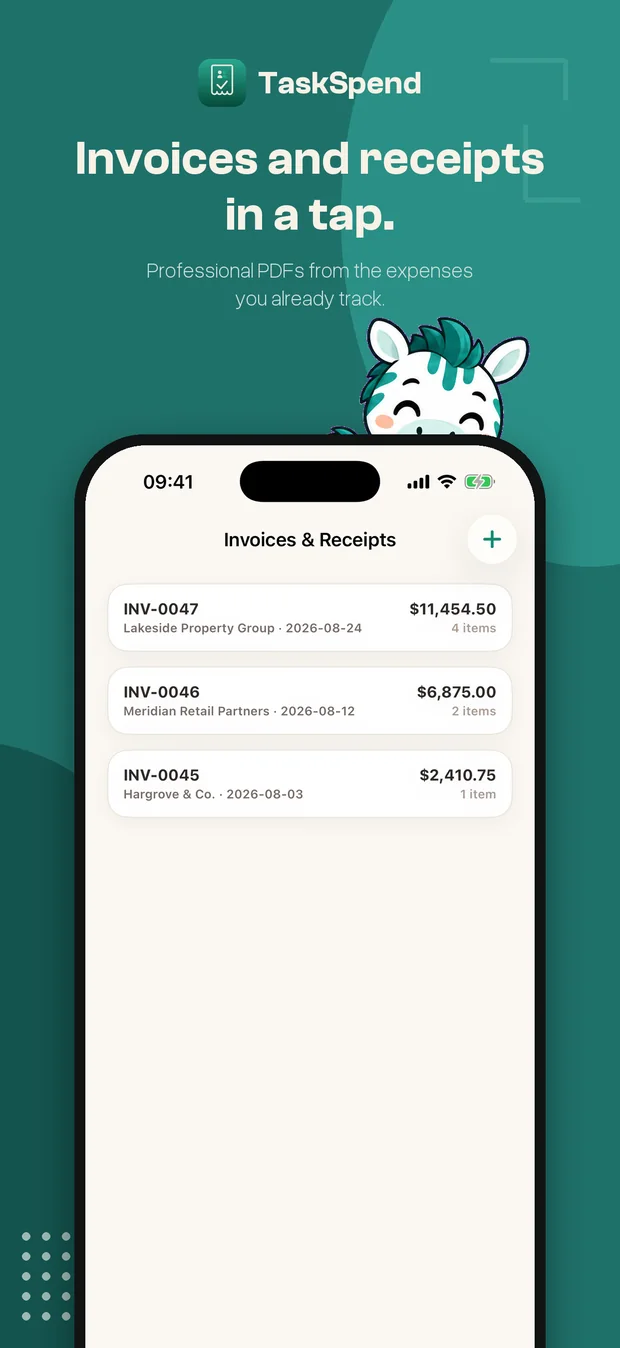
Build an invoice or a receipt from your own line items, quantity times unit price, with tax as a percentage or an amount, and share it as a clean PDF. The totals are worked out on the server so the document you send is the document on record. Five a month on the free plan, unlimited on Premium.
Faster approvals
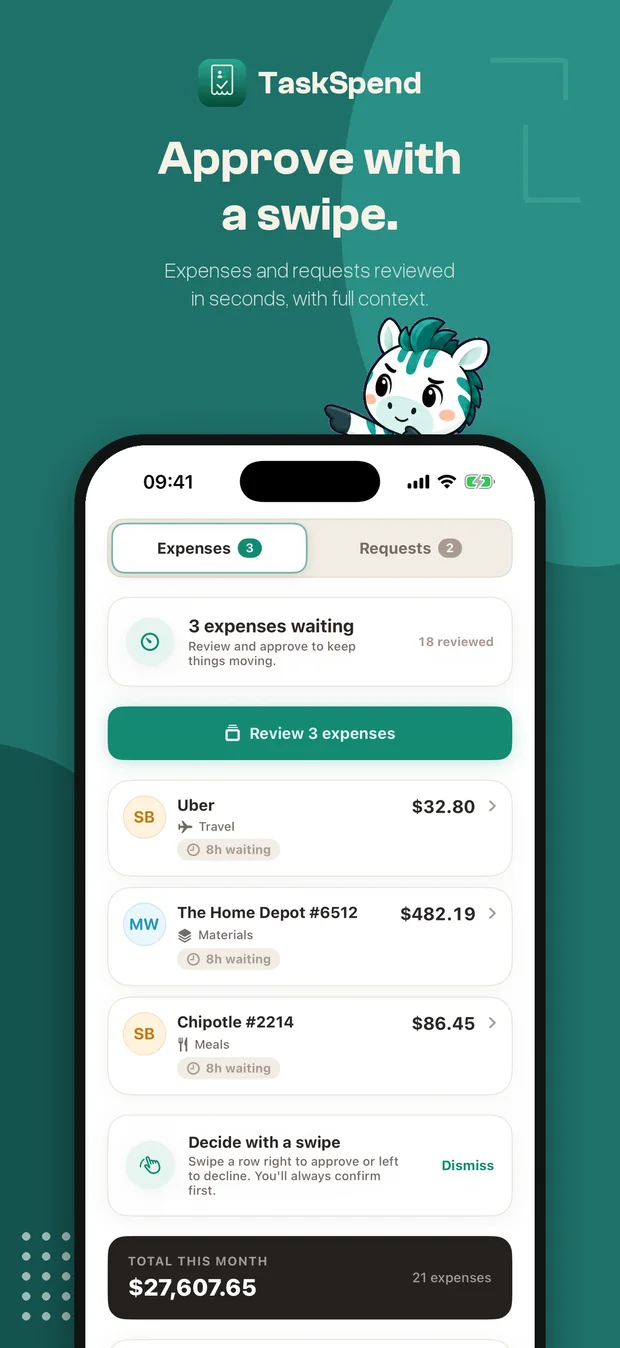
- Swipe to review. Right to approve, left to reject, with a moment to undo.
- Owners’ own expenses approve on arrival. If you own the budget, you do not queue for yourself.
- Every routed expense says why. Above the limit, no category, no rule: the reason is on the card.
- Fix a title, category or date after approval. Owners can, and the edit is stamped on the record. Amounts stay frozen.
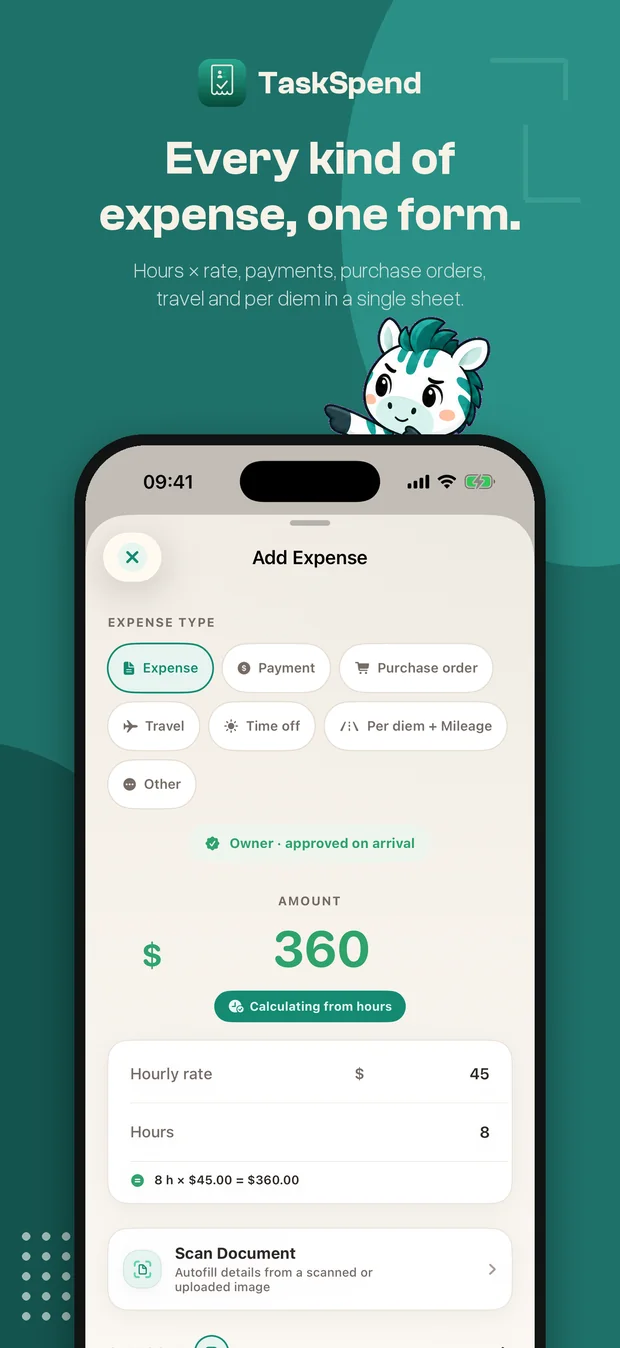
One Add Expense sheet, every type
Expense, payment, purchase order, travel, time off, per-diem and mileage, or other, all from one sheet with a chip for each. Payments carry a payee and a balance due, purchase orders carry line items and tax, travel carries its per-diem days and miles. Owners add directly; members send to an approver. You can add a new category from the form without leaving it.
Budgets, expenses and reports
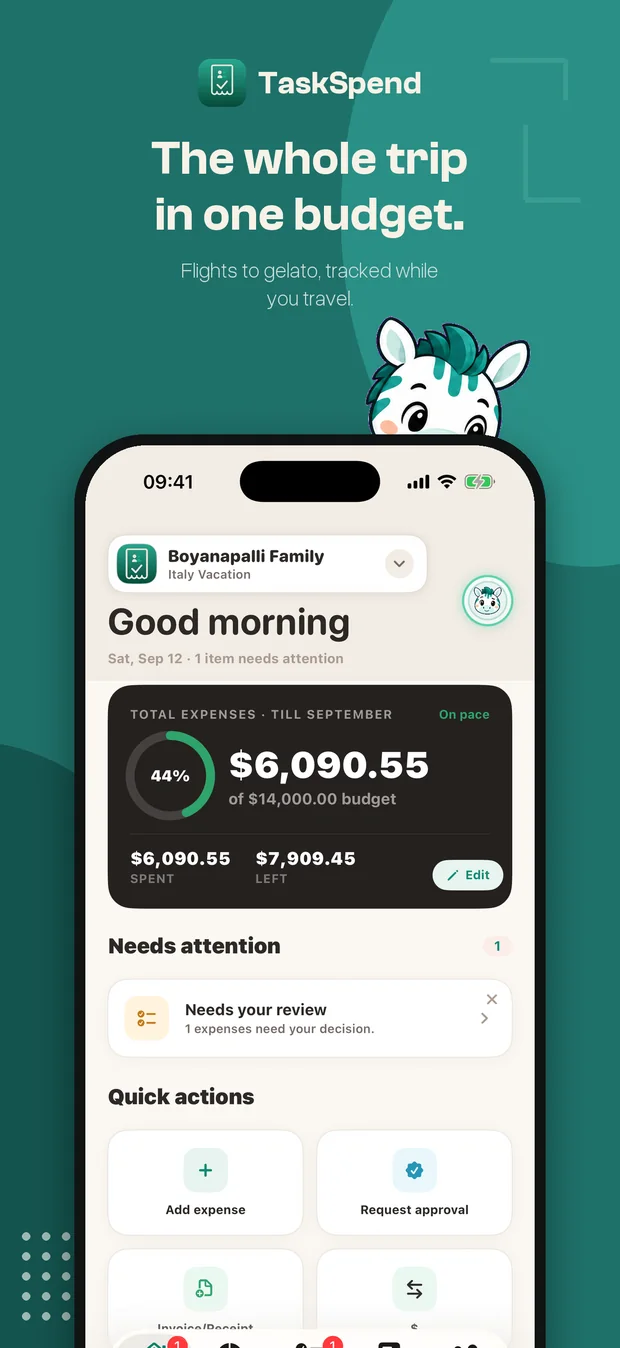
- One-tap Save and spread across categories when you set a budget.
- Weekly and monthly budget views, always available.
- New filter chips and a redesigned Filters sheet for expenses and requests.
- Report filters are free on every plan.
And the web
Owners and Approvers can now sign in at app.taskspend.com to review every expense type, watch budgets, manage the team and build reports from a real desk. Same Apple or Google account, same workspaces, and the Premium you bought in the app covers it. There is a whole post on it.
Also in 1.2
- A notice in the app when a new version is available.
- A direct line to the founder under Account → Support.
- Fully localized in ten languages: English, Spanish, French, German, Italian, Japanese, Korean, Brazilian Portuguese, Russian and Simplified Chinese.
- Bug fixes and performance work throughout.
Android is in the works. The web app runs on the same API as the iPhone app, and Android will be the next client on it.
Update to TaskSpend 1.2
Free on the App Store for iPhone and iPad, with the web app included for owners and approvers.
Get TaskSpend