Project spending, approved before it happens.
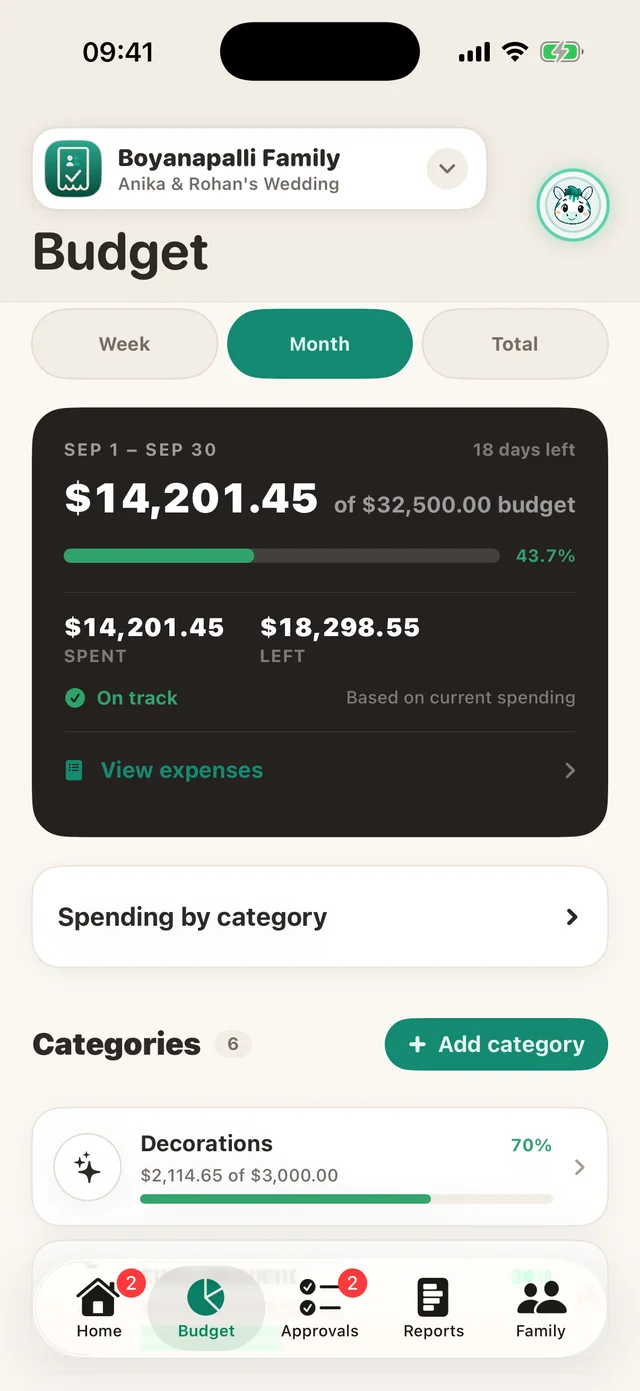
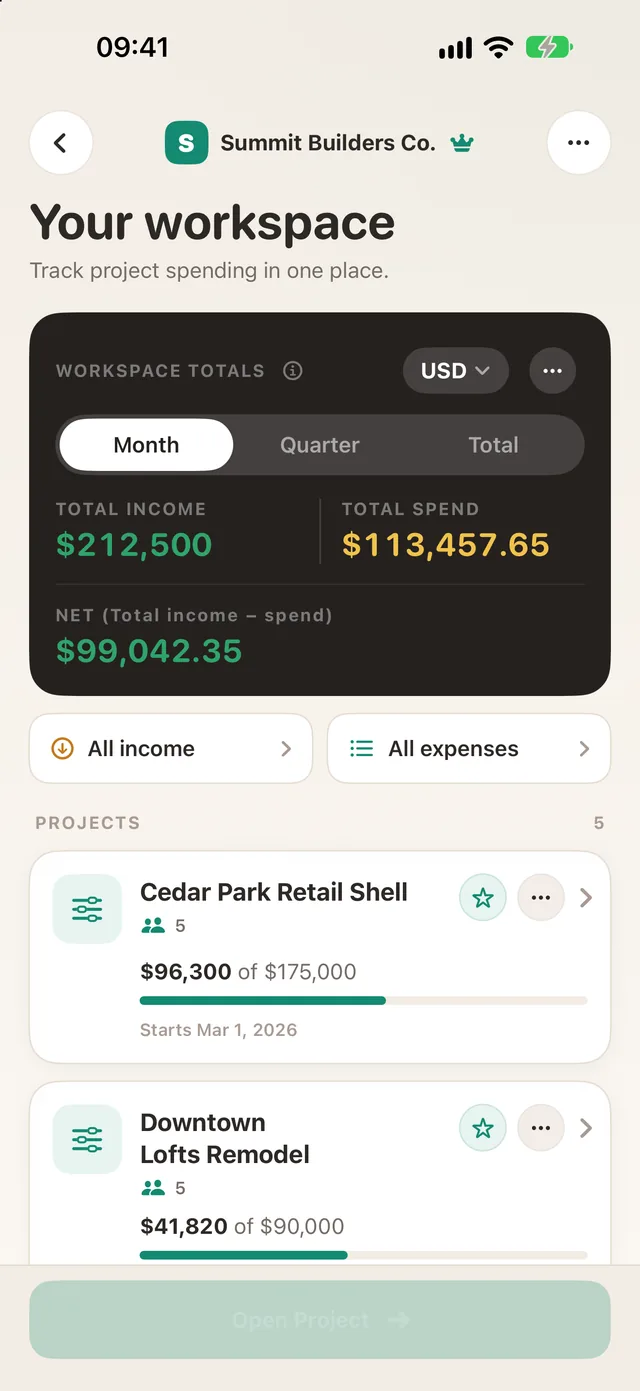
Teams request approval before they spend and capture receipts as they go. Every project shows income, spend and remaining budget as you approve, in your currency.


Free to start, with no card required. One flat price, not per person. See plans

- Free to startNo card required
- iPhone, Android and webOne account across every device
- Any currencyTotals in your currency
- Private by designNo advertising, ever
One app for every project. Budgets, approvals, receipts and reports in one place.
How it works
Marco runs a 6-person renovation crew. His team used to track expenses through texted photos and a spreadsheet that was rarely up to date.
Marco, owner
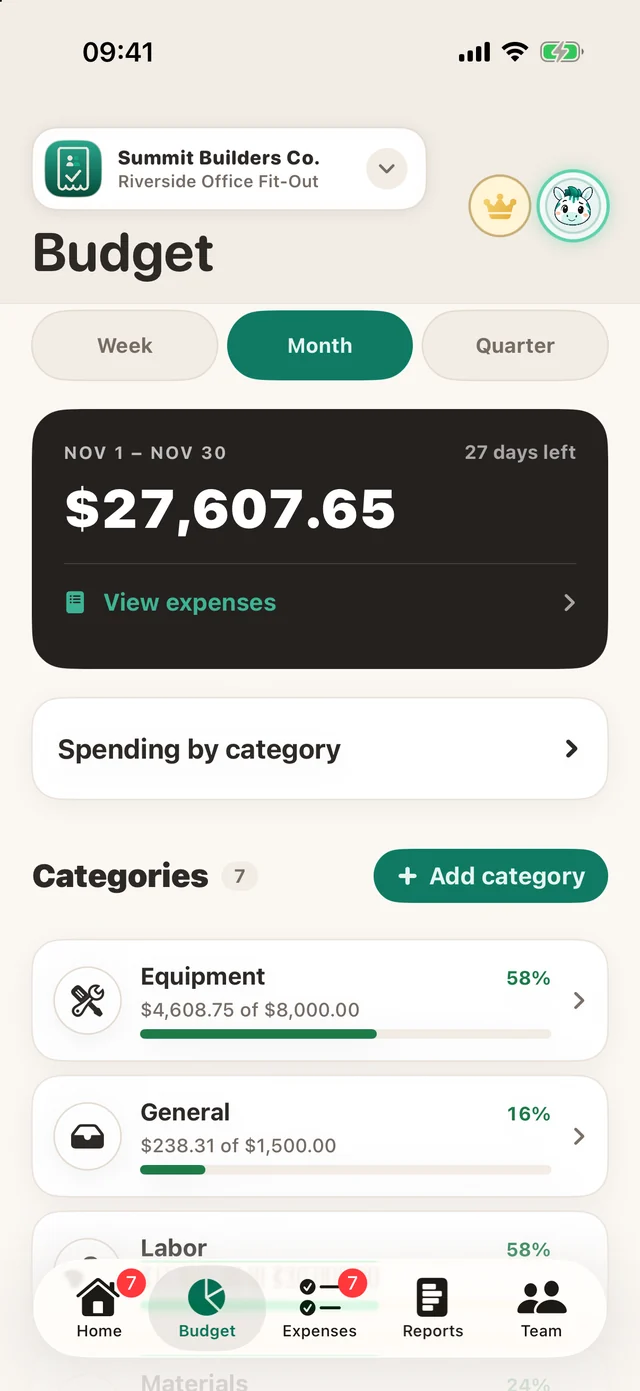
Set the project budget
Marco sets up the “Riverside Office Fit-Out” project and gives each category its own budget, such as $8,000 for Equipment. TaskSpend tracks spending against each one.
Ryan, team member
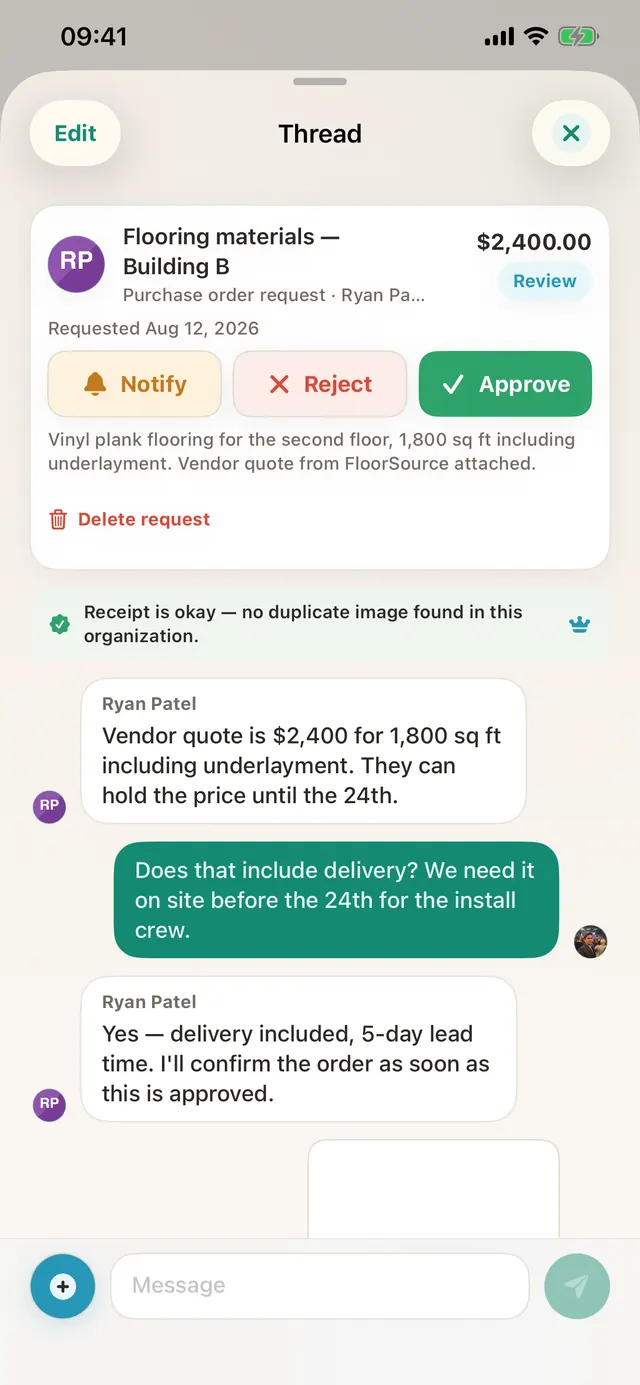
Request approval first
A $2,400 flooring order exceeds Ryan’s limit, so he submits a purchase order request with the vendor quote attached.
Marco, owner
Approve from anywhere
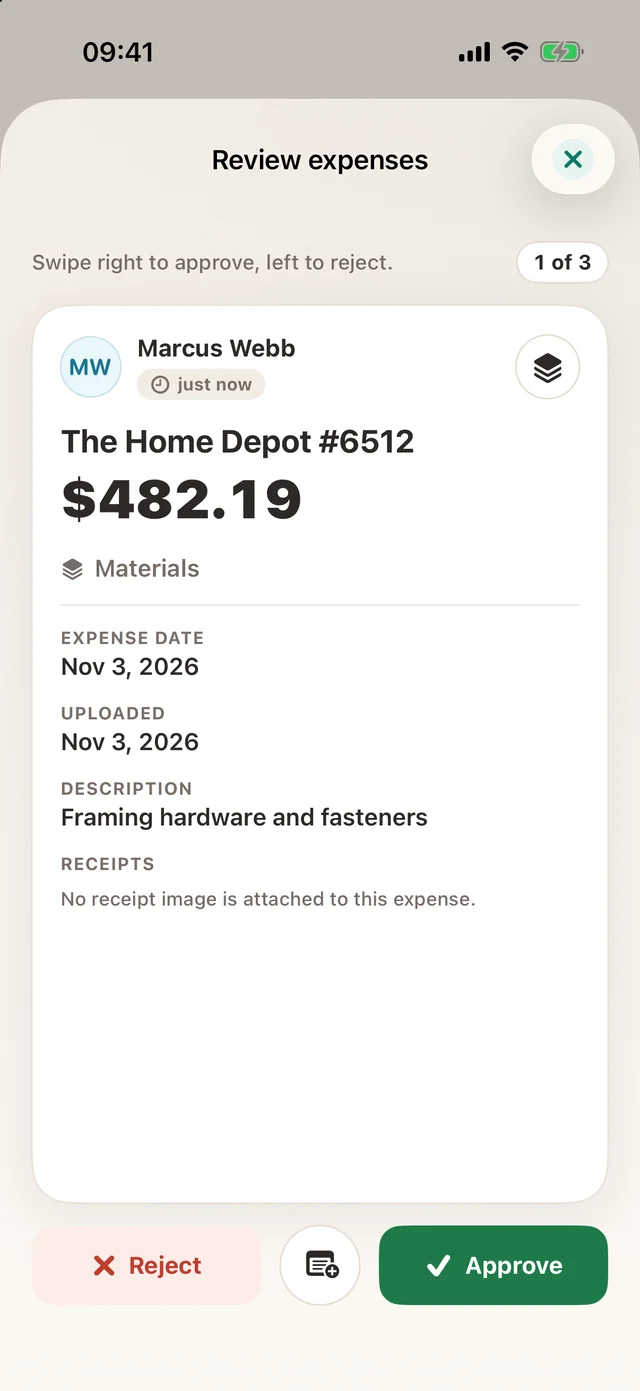
On a job site, Marco reviews each expense waiting for him. He swipes right to approve and left to reject.
Maria, team member
Capture the receipt at purchase
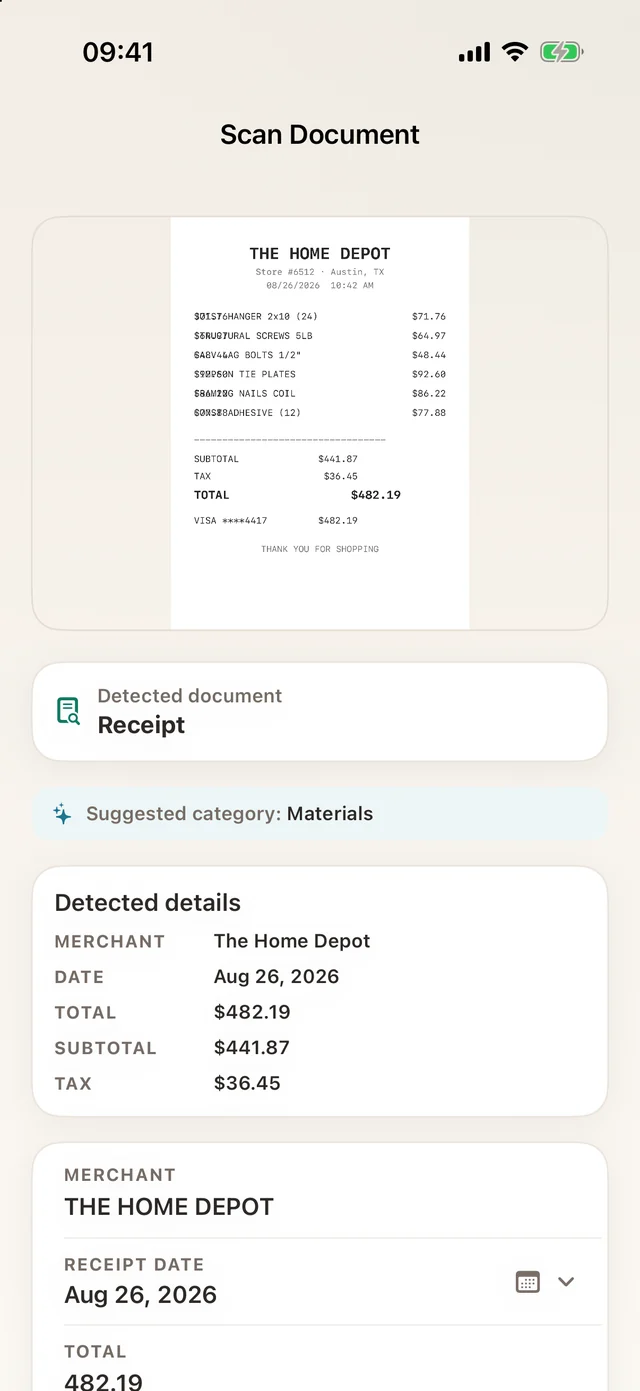
Maria buys $680 of paint and photographs the receipt before she leaves the store. TaskSpend reads it with OCR and fills in the merchant, date and total. Printed and handwritten receipts both scan, on iPhone, Android and the web.
Marco, owner
Deliver the final report
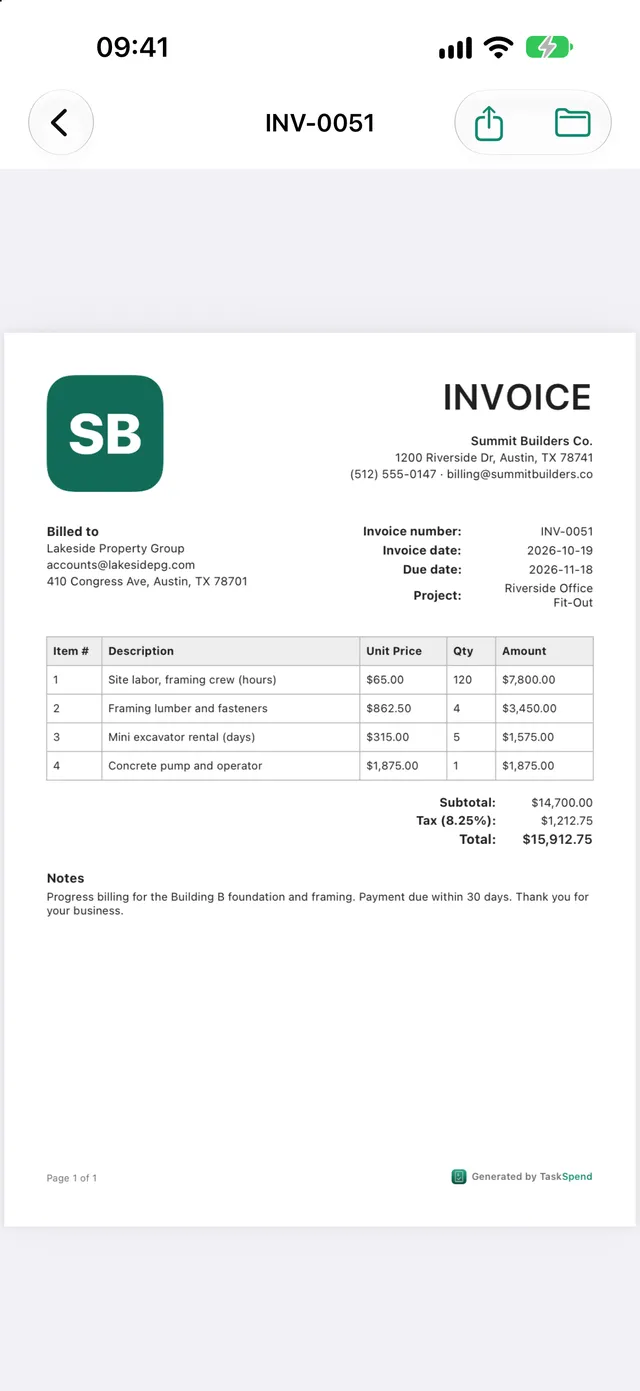
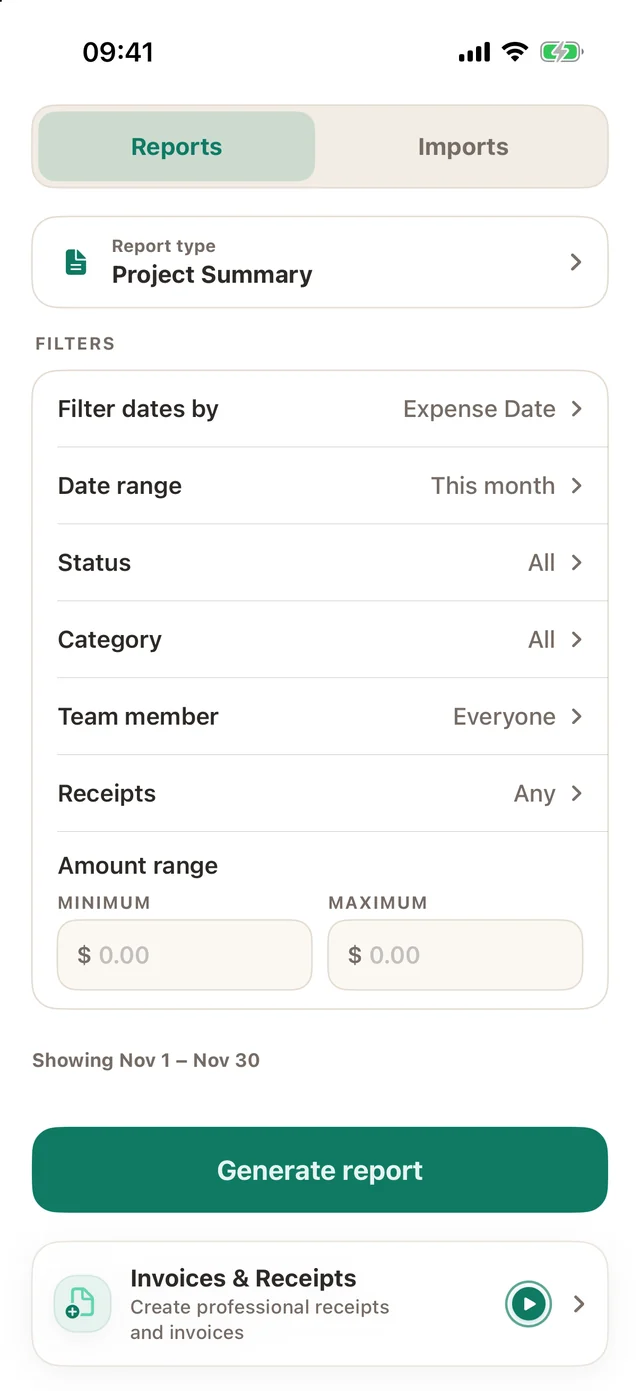
When the job is complete, Marco exports an itemised PDF of the entire project, with every receipt attached.
Why hundreds of users worldwide trust TaskSpend for project expense management
Submit, review, and manage project spending from anywhere in the world.
Example routes, shown for illustration.
Approvals across borders
Submit an expense in one country and approve it in another, on any device.
Every currency, one report
Spend in one currency and report in another, with every project in one view.
Built for global teams
TaskSpend runs on iPhone, iPad, Android and the web, and is available in 13 languages on iPhone and iPad.
More in the app
Manage invoices, requests and your team alongside your budgets. Set each person’s role and auto-approval limit.
Built for anyone who spends on a project




Small businesses and teams
Teams request approval before they spend. You approve with the budget in view, then send expenses to QuickBooks or Xero.
Why teams switchContractors and job sites
Crews capture receipts on site. Approvers review and decide from anywhere, even offline.
For contractorsFreelancers and solo work
Keep client spending separate from your own, record income, and send invoices from the same app.
Track a project budgetEvents and weddings
Manage venue, catering and décor, with every deposit approved and every receipt in one place.
Families
Share a kitchen remodel, a trip, or the monthly budget with the people who spend.
Bookkeepers and the office
Receipts arrive filed against a project, with the approval attached. Import card statements and produce a report.
See how filing works
 PDF reports
CSV import and export
Talk to us about your company
We will show you how TaskSpend fits your team and the tools you already use. Where it makes sense, we can also build features and integrations for your business.
- A 20-minute call with no obligation
- Setup support for your teams, roles and approvals
- Custom features and integrations for your business
Questions
Is TaskSpend free?
Yes. The Free plan covers up to 10 people and requires no card. Plus ($7.99 a month) gives growing teams 10 workspaces, unlimited projects and 25 people. Premium ($14.99 a month) adds cloud AI receipt reading and QuickBooks and Xero sync. Compare plans
Does it work on Android?
Yes. TaskSpend is available on iPhone, iPad, Android and the web, with one account across all of them.
Can my team use it?
Yes. Invite people as Owners, Approvers, Members or Viewers. Members see only their own expenses. Owners can approve each person’s expenses automatically, either every expense or up to a limit you set.
Is my data private?
Receipts are stored privately, and only people in your workspace can see them. TaskSpend never shows ads.
Does it connect to my accounting?
Premium sends approved expenses to QuickBooks Online or Xero. All users can export PDF and CSV reports.
Project spending, approved before it happens.
Using a computer
Scan to install the app on your phone.