A Dext alternative when receipts need to land on a project, not just in a folder
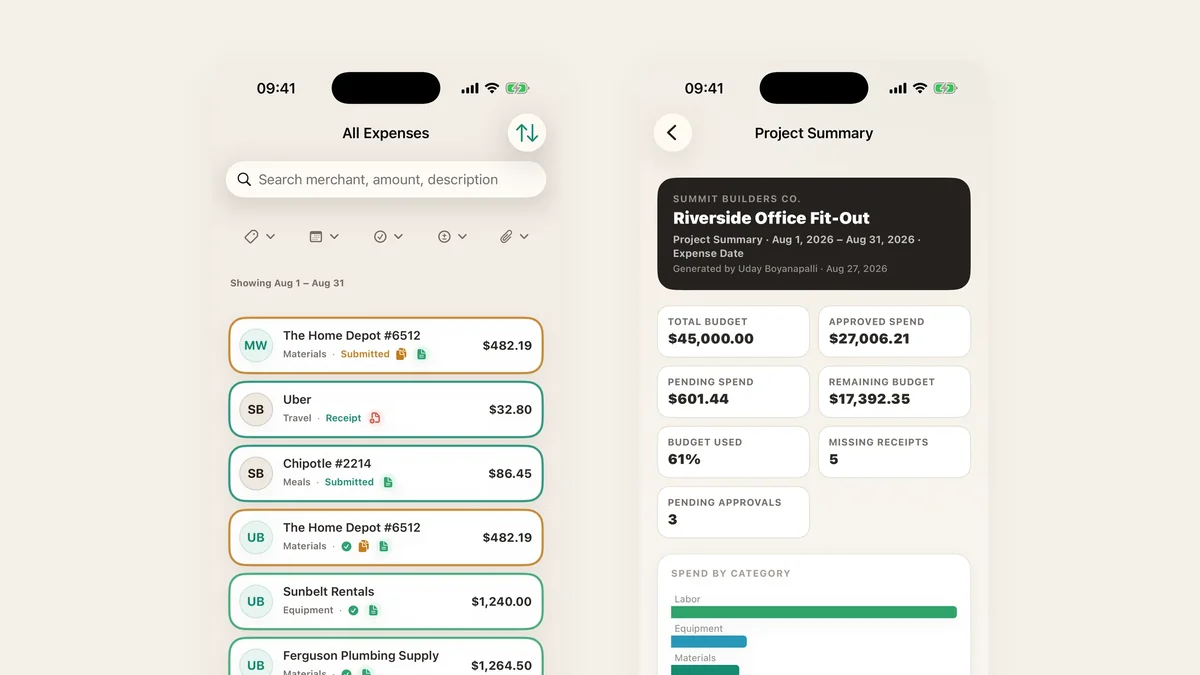
Dext and Hubdoc are good at what they do: pulling data off receipts and invoices and publishing it to accounting software. If you are a bookkeeper processing documents for many clients, they may be the right tool. If you run the project, you also need to know which job a receipt belongs to, who bought it, whether it was approved and what is left in the budget.
A receipt is filed against a project
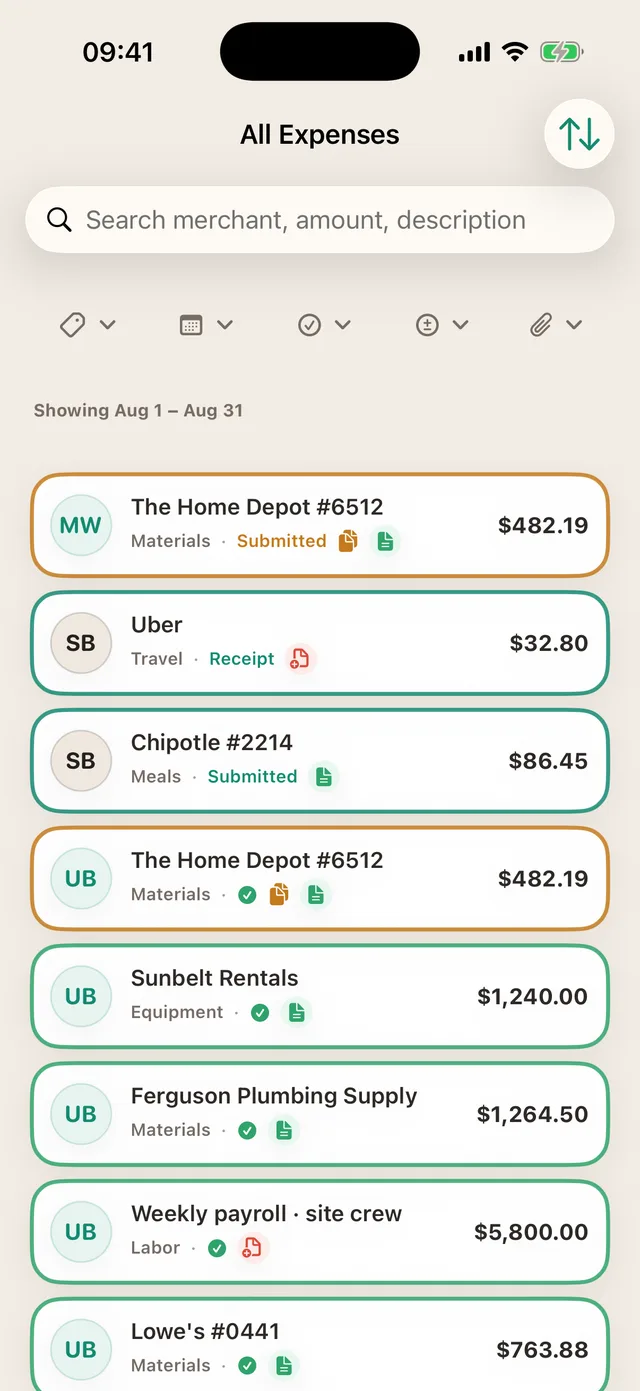
Each receipt in TaskSpend is attached to an expense with a project, a budget category, the person who submitted it and its approval status. Search by merchant, amount or description, and see at a glance which rows still need a receipt.
Bring in the statement, too
Already have the month on a bank or card statement? Import it as a PDF or CSV and each line becomes an expense, sorted into categories, with refunds handled. Imported lines count toward the free plan’s 100 expenses a month.
Hand over a report, not a folder
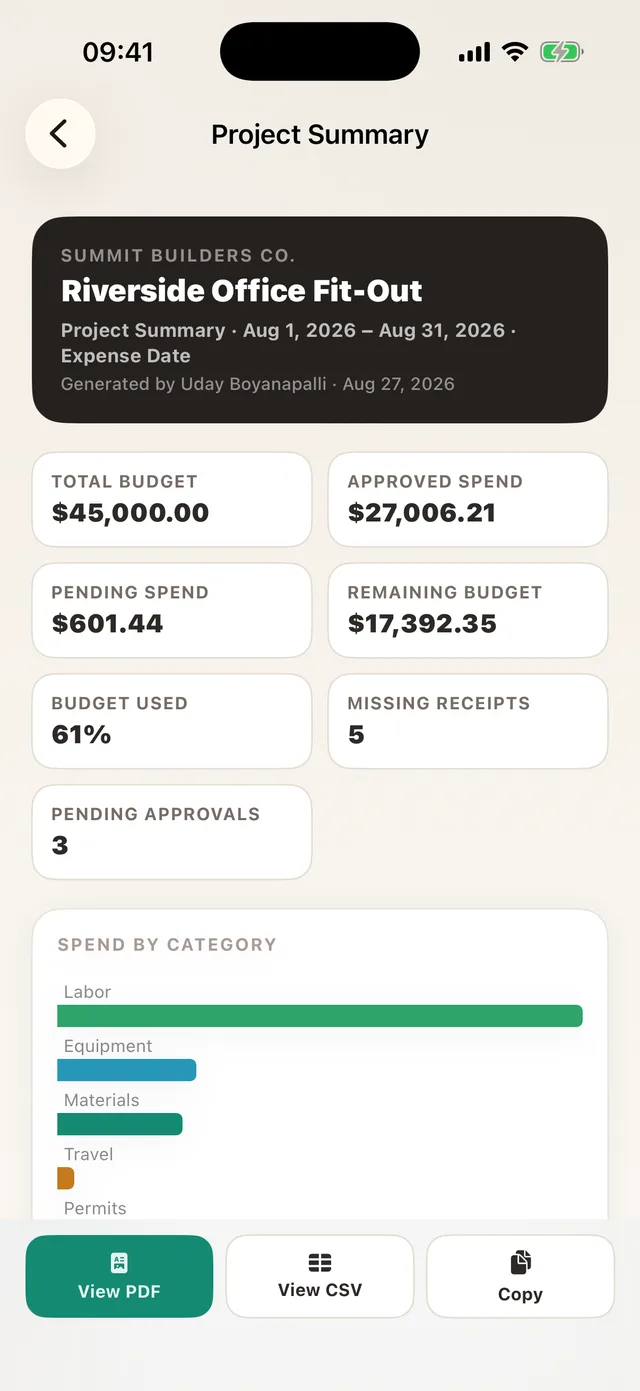
Export a project or date range as a PDF with the receipts attached, or as CSV. With Premium, push approved expenses into QuickBooks Online or Xero.
TaskSpend is priced per workspace, not per person. The free plan covers three workspaces with 10 projects and 10 people between them, and 100 expenses and 50 requests a month in each workspace. Plus ($7.99 a month) lifts those limits. Premium ($14.99 a month) adds AI document reading and QuickBooks Online and Xero sync.
The full comparison is in TaskSpend vs Expensify, QuickBooks and Buildertrend.