A project expense tracker for QuickBooks Online: capture in the field, approve, then sync
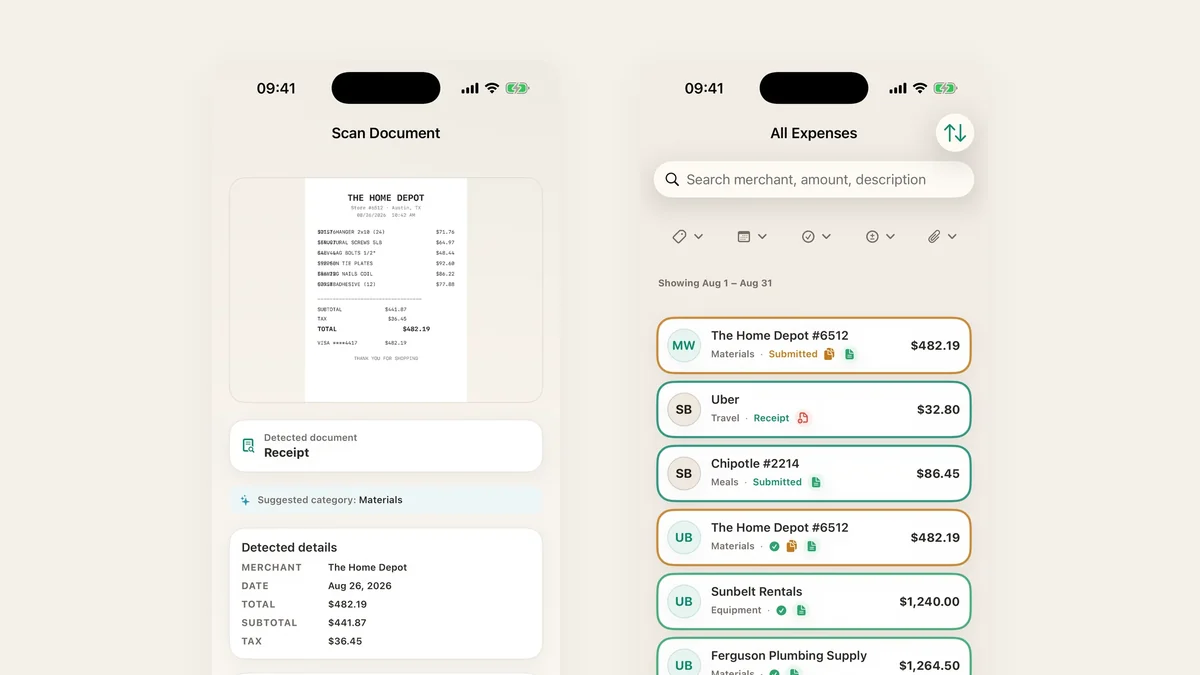
QuickBooks Online is where your books belong. It is not where a crew member at the supply counter should be filing a receipt. TaskSpend handles the part before the ledger, capture and approval against a project budget, then hands the approved expenses to QuickBooks Online.
1. Capture where the money is spent
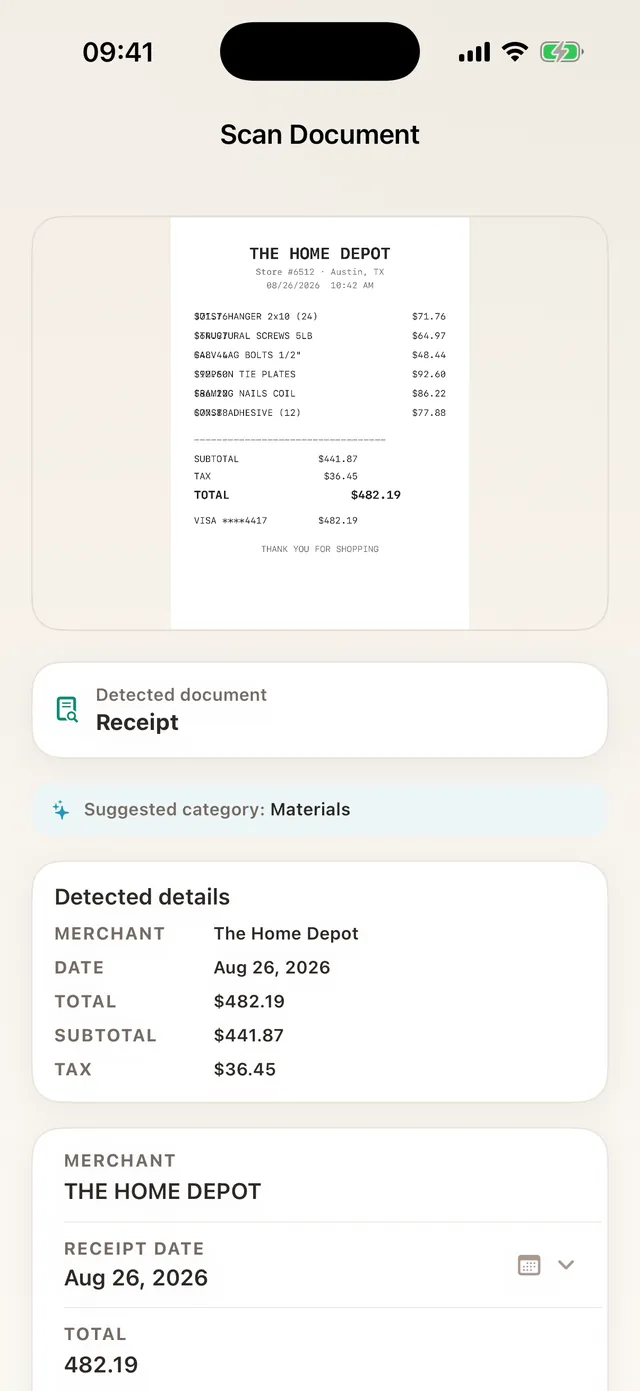
Point the camera at the receipt. TaskSpend reads the merchant, date, subtotal, tax and total on the phone and suggests a category. Pick the project and it is filed.
2. Approve before it reaches the books
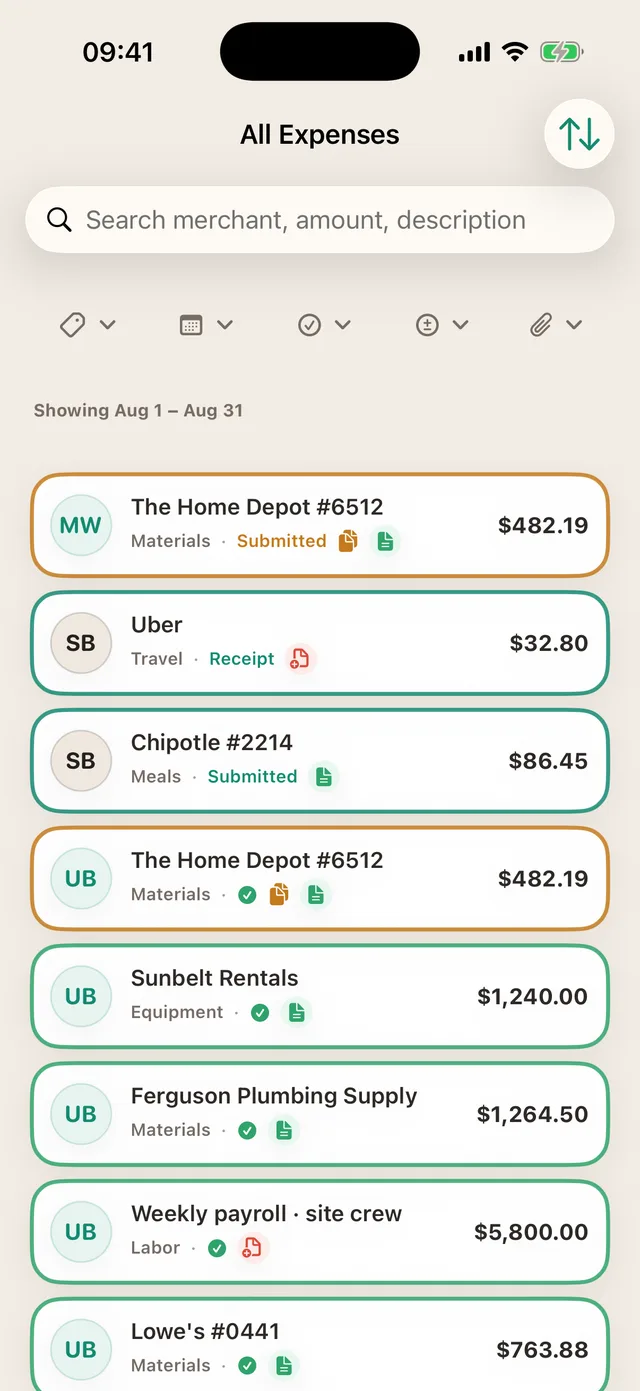
Owners and Approvers see each expense with its project and category. Only approved expenses can sync: drafts, pending items and declined requests never leave TaskSpend.
3. Push approved expenses to QuickBooks Online
With Premium, the workspace owner connects a project to QuickBooks Online (or Xero), maps categories once, and pushes approved expenses across when ready. Nothing syncs on its own, and each expense shows whether it made it across. QuickBooks Desktop is not supported.
Not on Premium? Every plan exports a project as a PDF with receipts attached, or as CSV your bookkeeper can import.
TaskSpend is priced per workspace, not per person. The free plan covers three workspaces with 10 projects and 10 people between them, and 100 expenses and 50 requests a month in each workspace. Plus ($7.99 a month) lifts those limits. Premium ($14.99 a month) adds AI document reading and QuickBooks Online and Xero sync.
Weighing TaskSpend against QuickBooks alone? See TaskSpend vs Expensify, QuickBooks and Buildertrend.
Give your bookkeeper cleaner records
Start free. Add QuickBooks Online sync with Premium.
Get TaskSpend