A receipt approval app: scan it, review it, approve it with a swipe
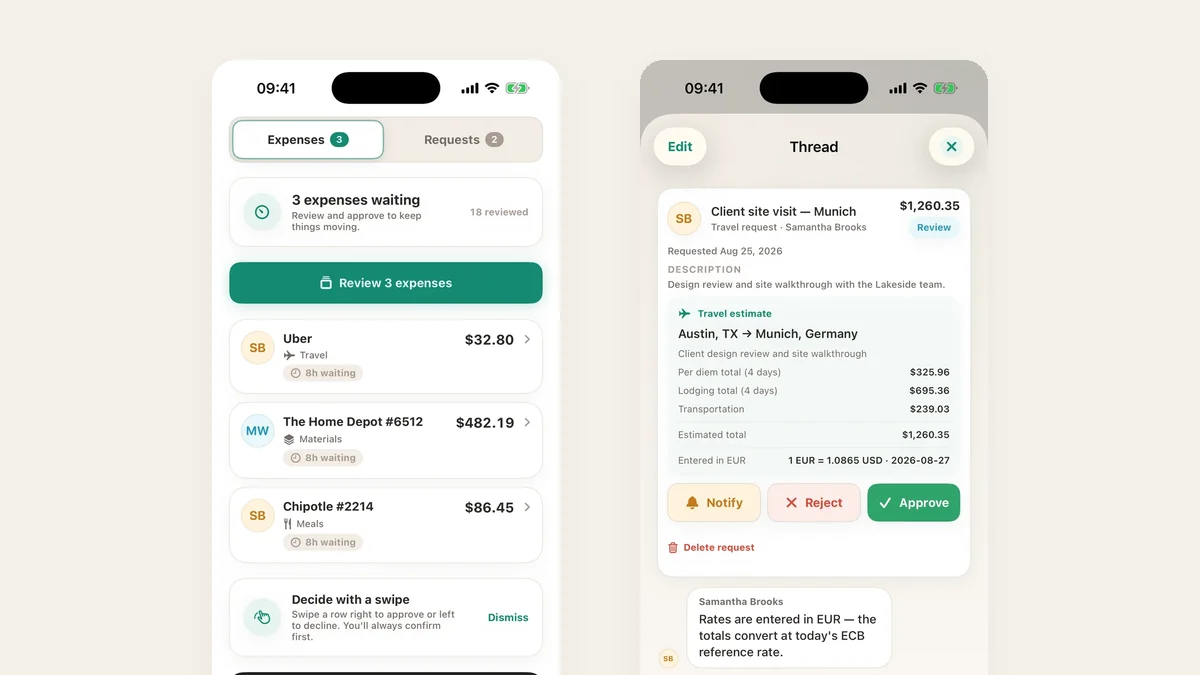
A receipt approval process only works if both sides find it easy: filing has to take seconds, and deciding has to happen without opening a laptop. TaskSpend is built for both.
Filing takes seconds
Scan the receipt and the details fill in on the phone. Pick the project, and it lands in the approver’s queue with the receipt attached.
Deciding takes a swipe
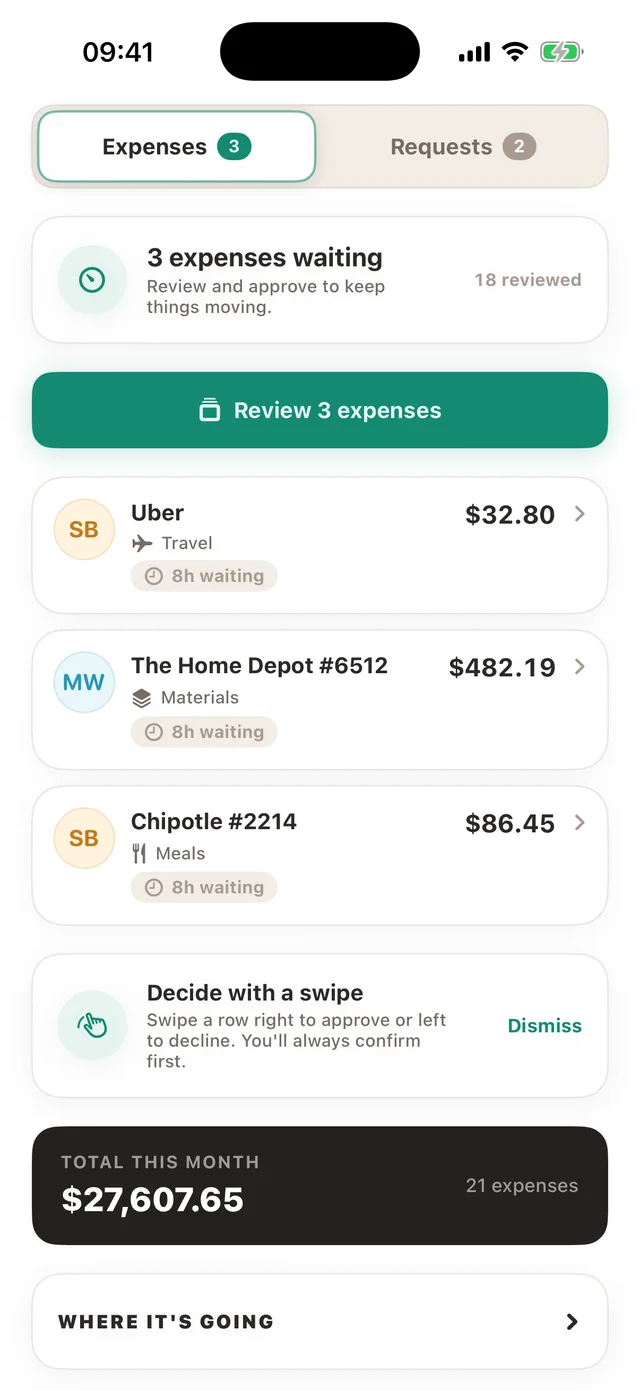
Approvers see everything waiting in one queue. Swipe a row right to approve or left to decline, and confirm before it goes through. Back from a week off? Decide a long queue at once with one note to the team.
Questions stay with the receipt
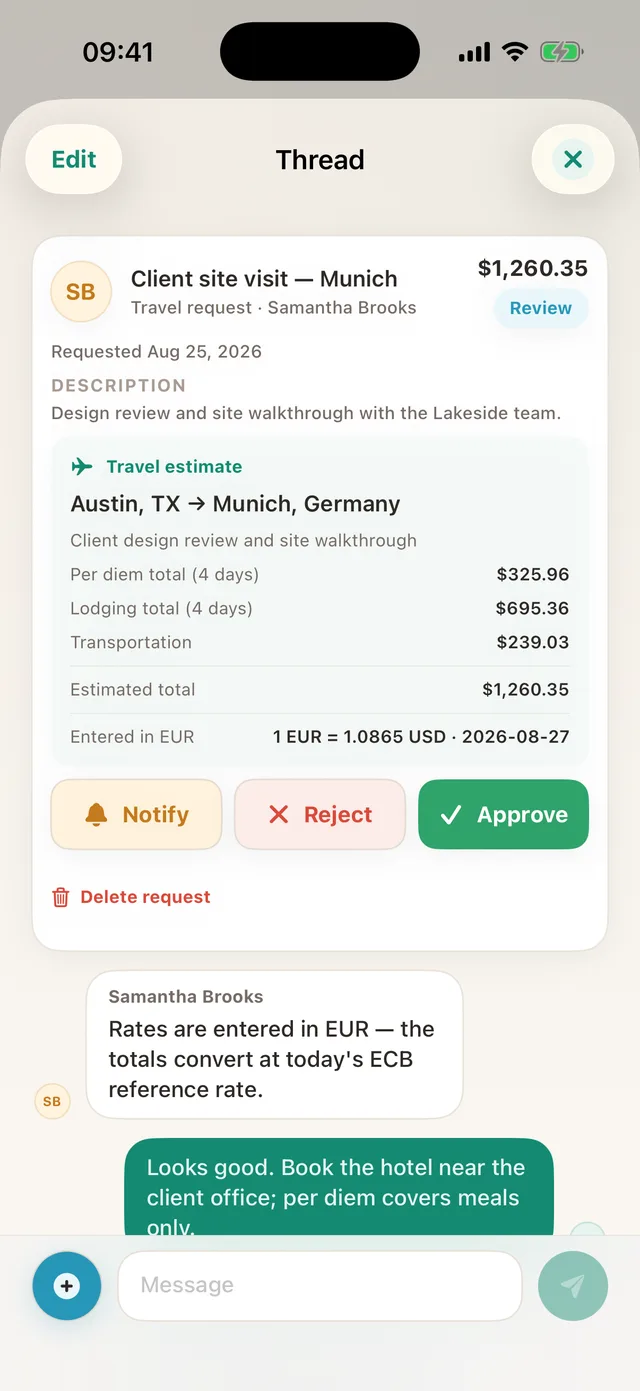
Each request has its own thread, so “does that include delivery?” is asked and answered on the request itself, not in a text message that gets lost.
Small buys approve themselves
Set an auto-approval limit per category and routine purchases under it are approved on arrival. Owners’ own expenses are approved on arrival too. People only review what deserves a person.
TaskSpend is priced per workspace, not per person. The free plan covers three workspaces with 10 projects and 10 people between them, and 100 expenses and 50 requests a month in each workspace. Plus ($7.99 a month) lifts those limits. Premium ($14.99 a month) adds AI document reading and QuickBooks Online and Xero sync.
See how this compares with Expensify and Dext in TaskSpend vs Expensify, QuickBooks and Buildertrend.