Project expense tracking: 6 ways to track project costs
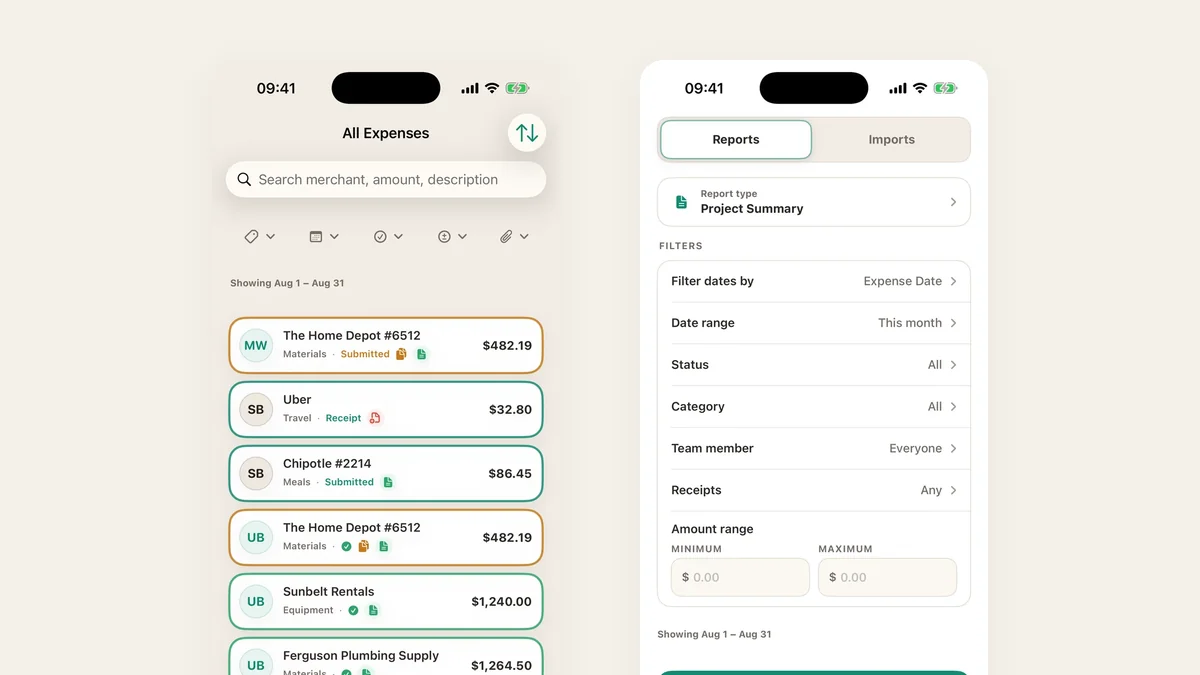
There is no single right way to track project costs. There is a right way for the size of your team, the speed money moves, and how much process people will actually tolerate. Here are six, from the cheapest to the most complete, with the honest cost of each.
1. The shared spreadsheet
How it works. One sheet per project. Columns for date, merchant, amount, category, who paid. Somebody types the rows in.
What it costs you. Accuracy that decays daily. The sheet is right on the day it is updated and increasingly wrong after that, and the person who maintains it is doing data entry instead of their job. It also has no concept of a receipt, so proof lives somewhere else, usually a phone camera roll.
Use it when you are one person on one short project, or you need something today and will replace it.
2. Card statements at month end
How it works. Nobody tracks anything during the month. At the end you download the statement and assign each row to a project.
What it costs you. Every decision is retrospective. You find out in September that August went over, which is interesting but not useful. Cash purchases and personal cards vanish entirely, and by the time you see a line called “SQ *MERCHANT 4471” nobody remembers what it was for.
Use it when spending is small, predictable, and all on one card.
If you do work this way, at least stop retyping. A PDF or CSV statement can be imported directly, with charges and refunds separated by sign, then categorised in bulk. Statement import is free on every TaskSpend plan.
3. Job costing inside your accounting software
How it works. QuickBooks Online projects, or Xero tracking categories. Every transaction gets tagged to a job as it is entered.
What it costs you. The ledger is the right system of record and the wrong capture surface. It sees money only after it has moved, so it can report a problem but never prevent one, and the people doing the spending are exactly the people who will not log into it. In practice a bookkeeper does the tagging days or weeks later, from evidence that may no longer exist.
Use it when you already have it, which you should, as the destination rather than the whole method.
4. Phone-first capture with a dedicated app
How it works. Whoever spends the money captures it, at the counter, in seconds. The receipt is photographed, read, categorised and filed against the project before they leave the shop.
What it costs you. A tool to learn and, past a free tier, a subscription. In return, the budget is current rather than reconstructed, and proof is attached to the expense instead of scattered across five camera rolls.
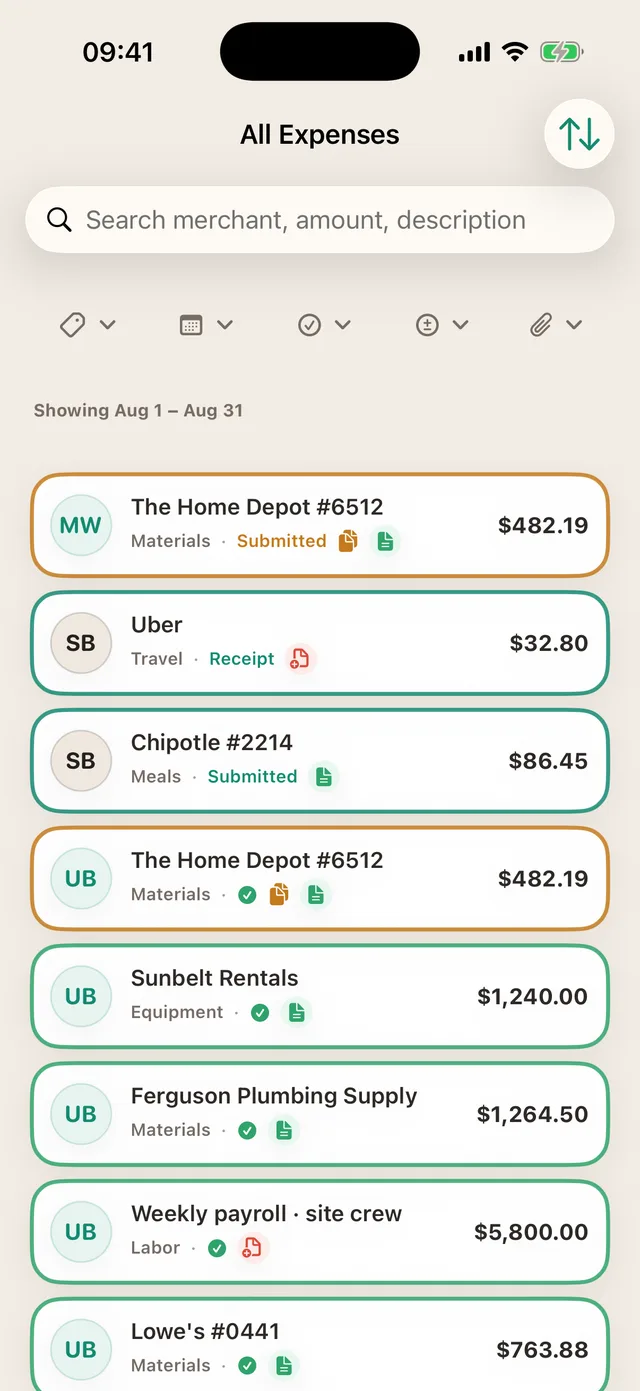
Use it when more than one person spends money, or when receipts and their proof matter to a client, a grant or an audit.
5. Track commitments, not just payments
How it works. The moment a purchase is approved, the money counts against the budget, whether or not it has left the account. This is the difference between what you have spent and what you have promised.
What it costs you. A habit: purchases have to be requested before they happen. That is the whole discipline, and it is the one that actually prevents overruns rather than documenting them.
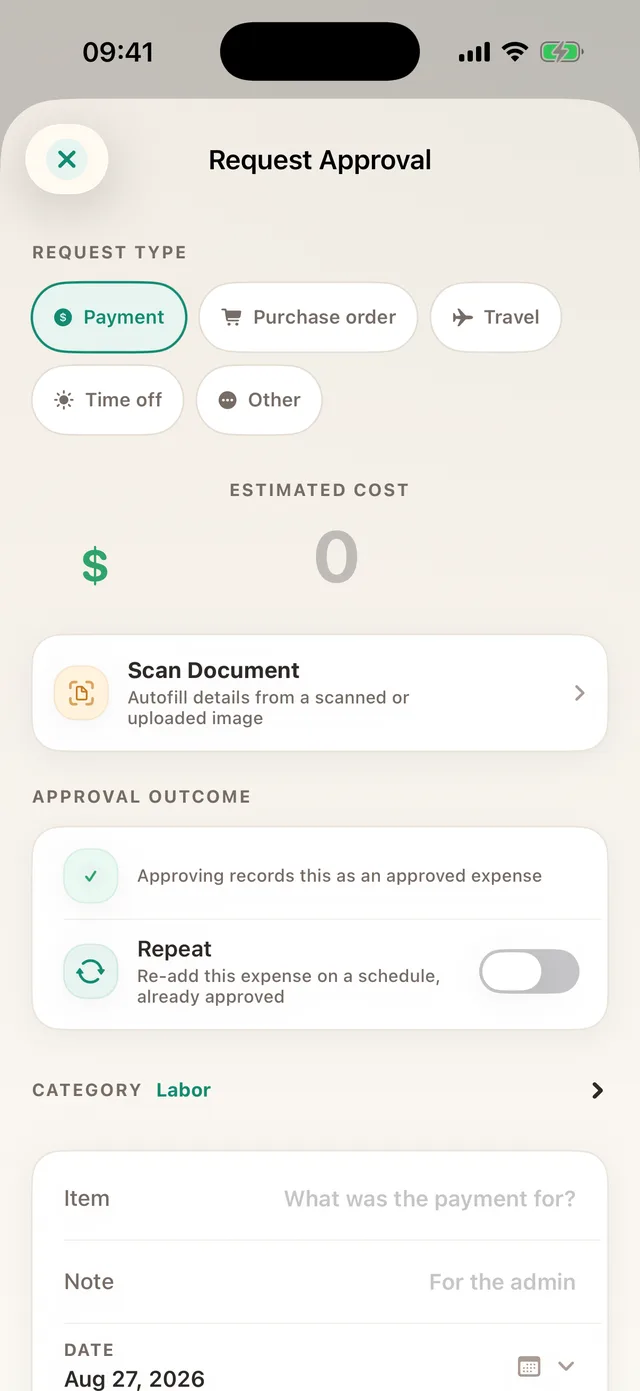
Use it when a single purchase can move the project number: subcontractors, equipment, deposits, anything with a lead time.
6. Per-category budgets with real alerts
How it works. The project budget is split across cost categories, and each one is watched independently. Labour can be fine while materials are 30% over, and you find out while it still matters.
What it costs you. Twenty minutes of setup per project, and the discipline of categorising as you go rather than in a bulk pass later.
Use it when the project is long enough or large enough that “we are 61% through the budget” is not a sufficient answer. There is a walkthrough in how to use budget cost resources.
So which one?
Almost every small team ends up combining three: phone-first capture during the month, commitment tracking for the big items, and the accounting ledger as the destination. The spreadsheet is a starting point and the statement-only approach is what you are escaping.
If you want the whole loop written out in order, read the step-by-step guide to project expense tracking.
Track costs while they are still decisions
Capture on the phone, approve before spending, and push the finished result to your ledger.
Get TaskSpend