A Buildertrend alternative for small contractors who only need job spending under control
Buildertrend, Knowify and Procore are serious construction platforms with estimating, scheduling, change orders and subcontractor management. If you need those, use them. Many small contractors mainly need something narrower: keep each job inside its budget and know who approved what.
What TaskSpend does, and what it does not
- Does: job budgets by category, receipts, purchase-order and payment requests, approvals, mileage and per diem, invoices, reports, and QuickBooks Online or Xero sync on Premium.
- Does not: estimating, scheduling, change orders, bids or payroll.
Set up the crew in minutes
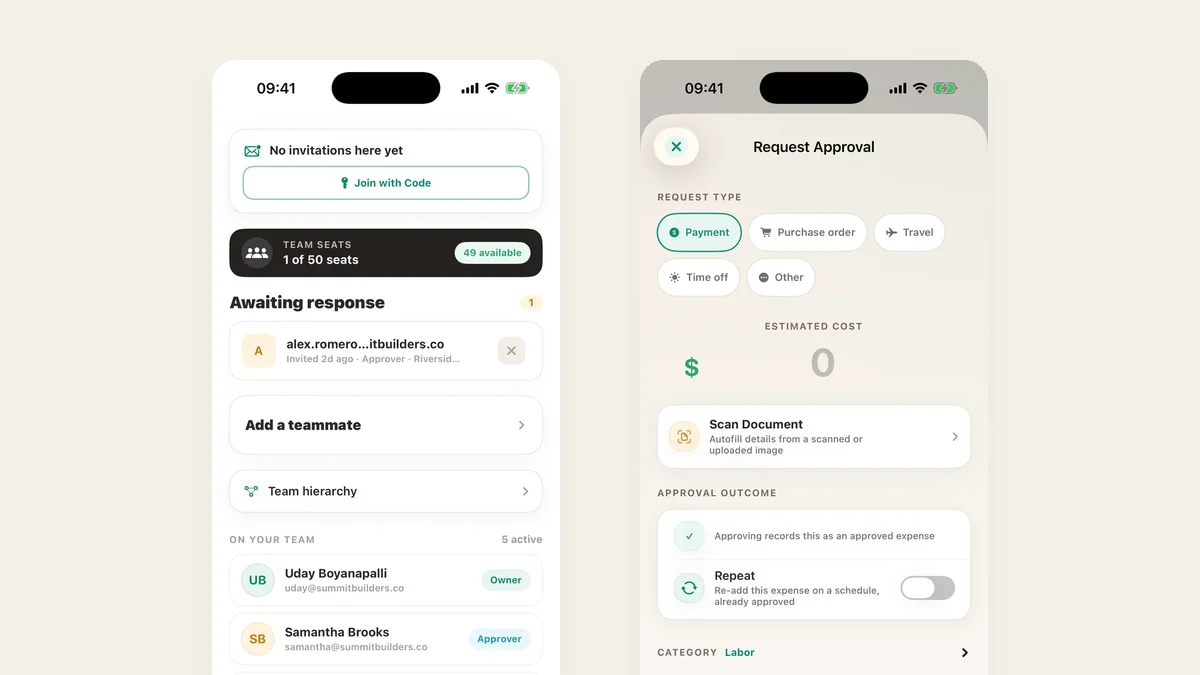
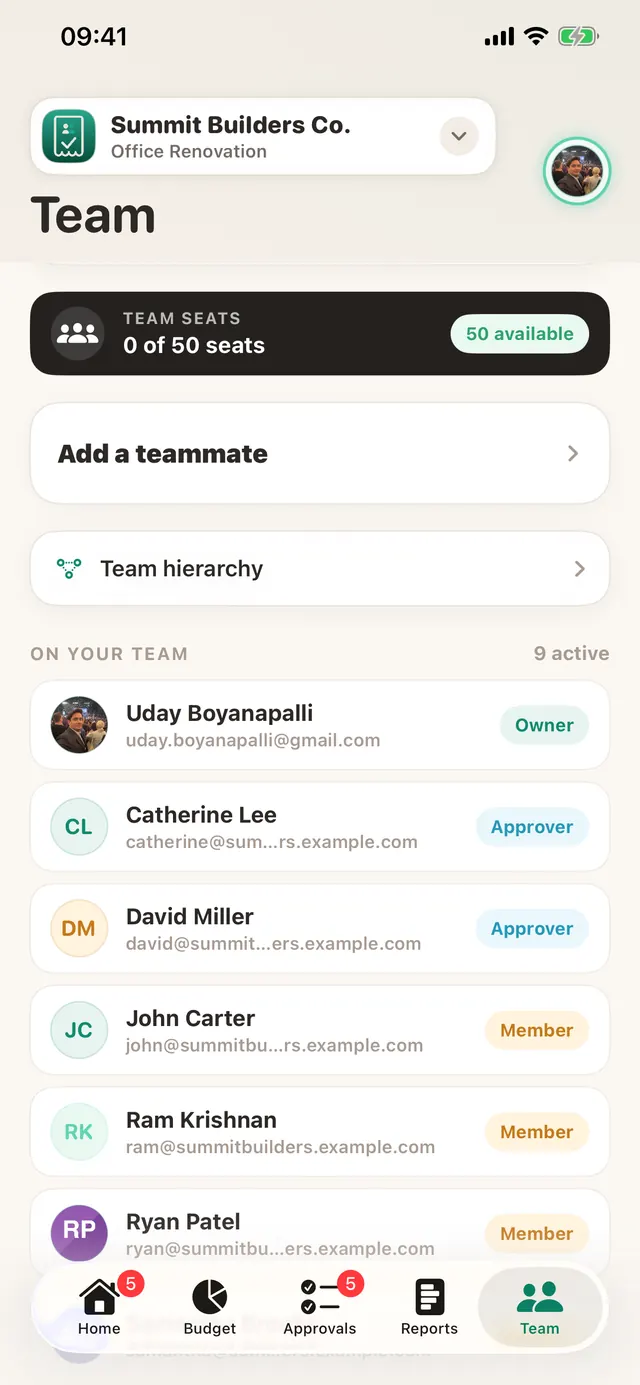
Invite people with a link or a join code and give each a role. There is no implementation project and no training course: the crew installs the app and starts filing.
Purchase orders, discussed and decided
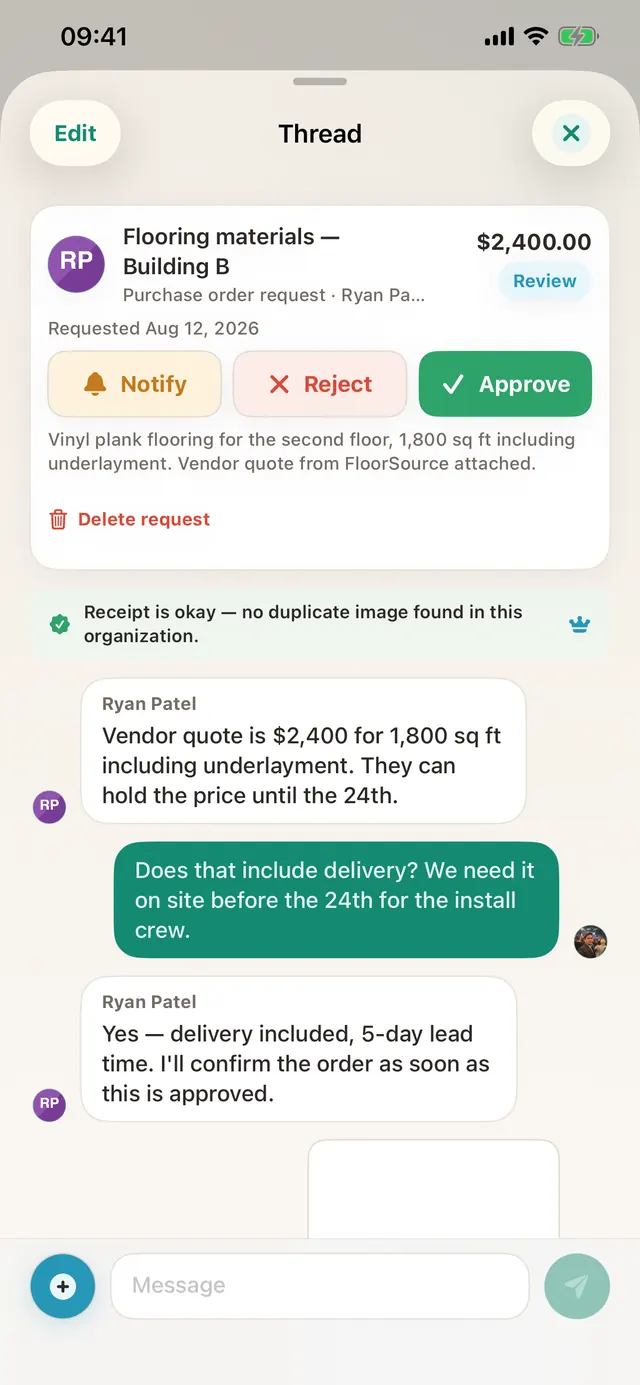
A purchase-order request carries the vendor quote. Questions about delivery or lead time happen in its thread, and the owner approves from wherever they are.
Bill the client from the same app
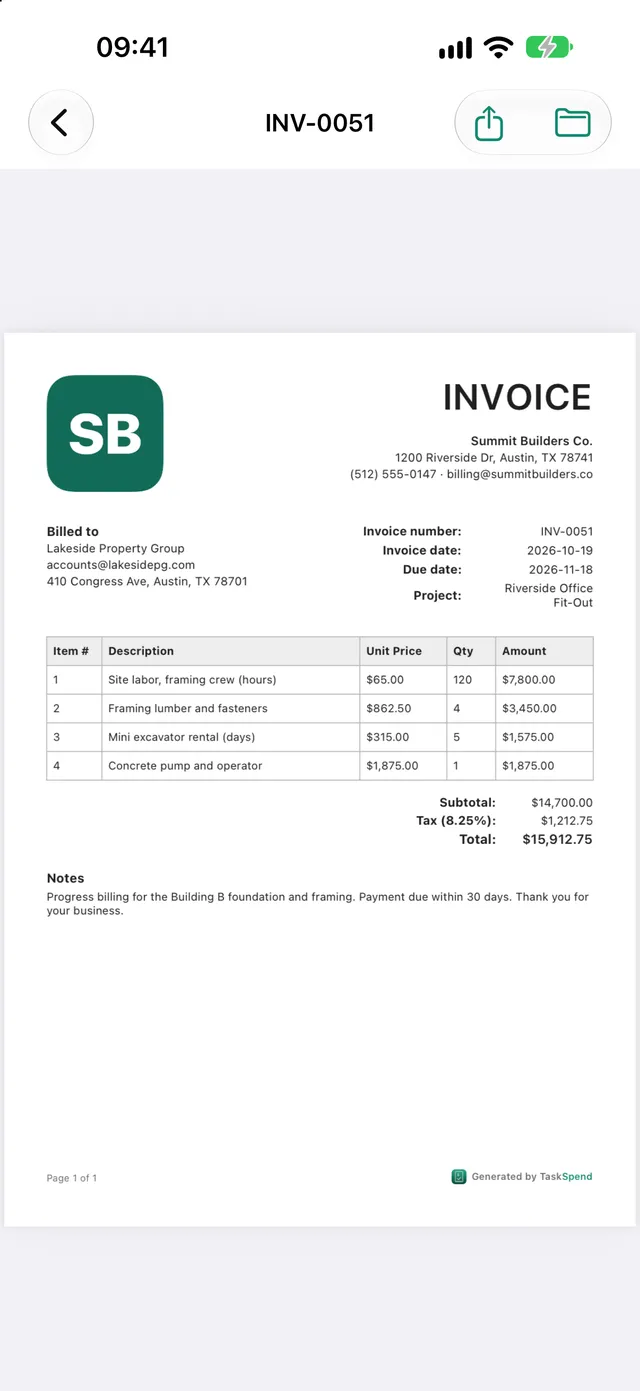
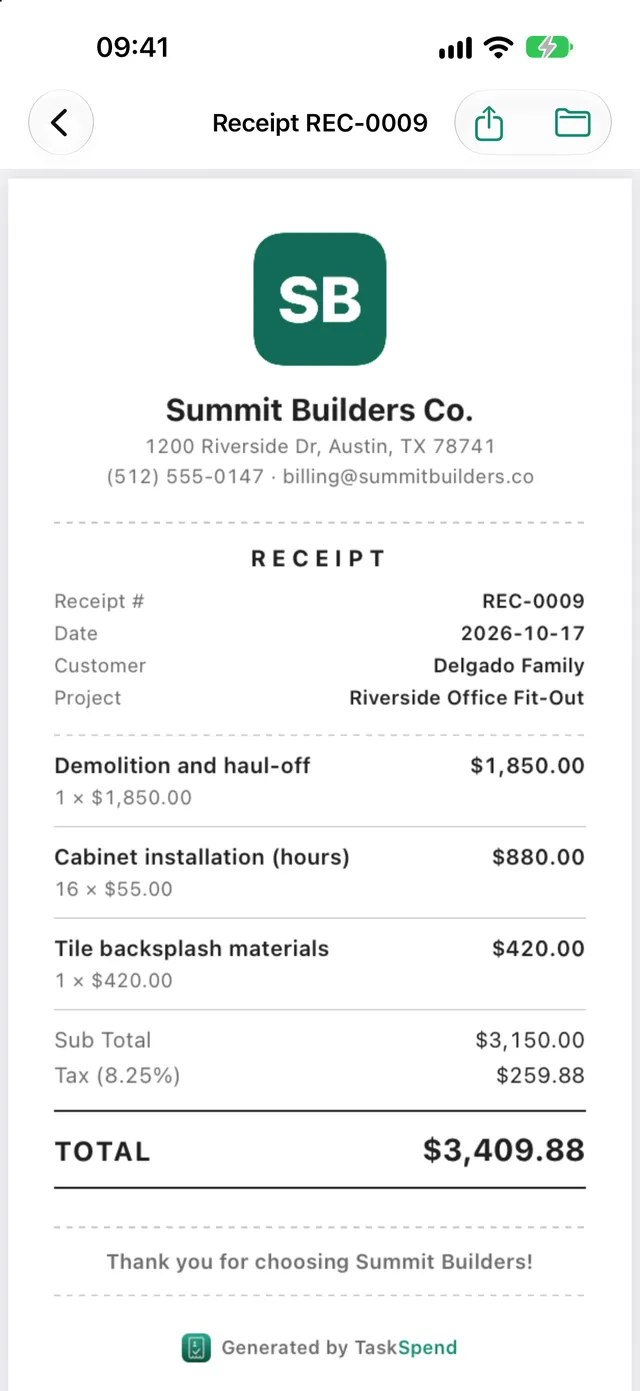
When the job is done, make an invoice from its approved expenses or type the lines yourself. Tax and totals are worked out for you, and your logo goes on the PDF. Paid on site? Hand over a receipt instead. The free plan includes 5 invoices or receipts a month.
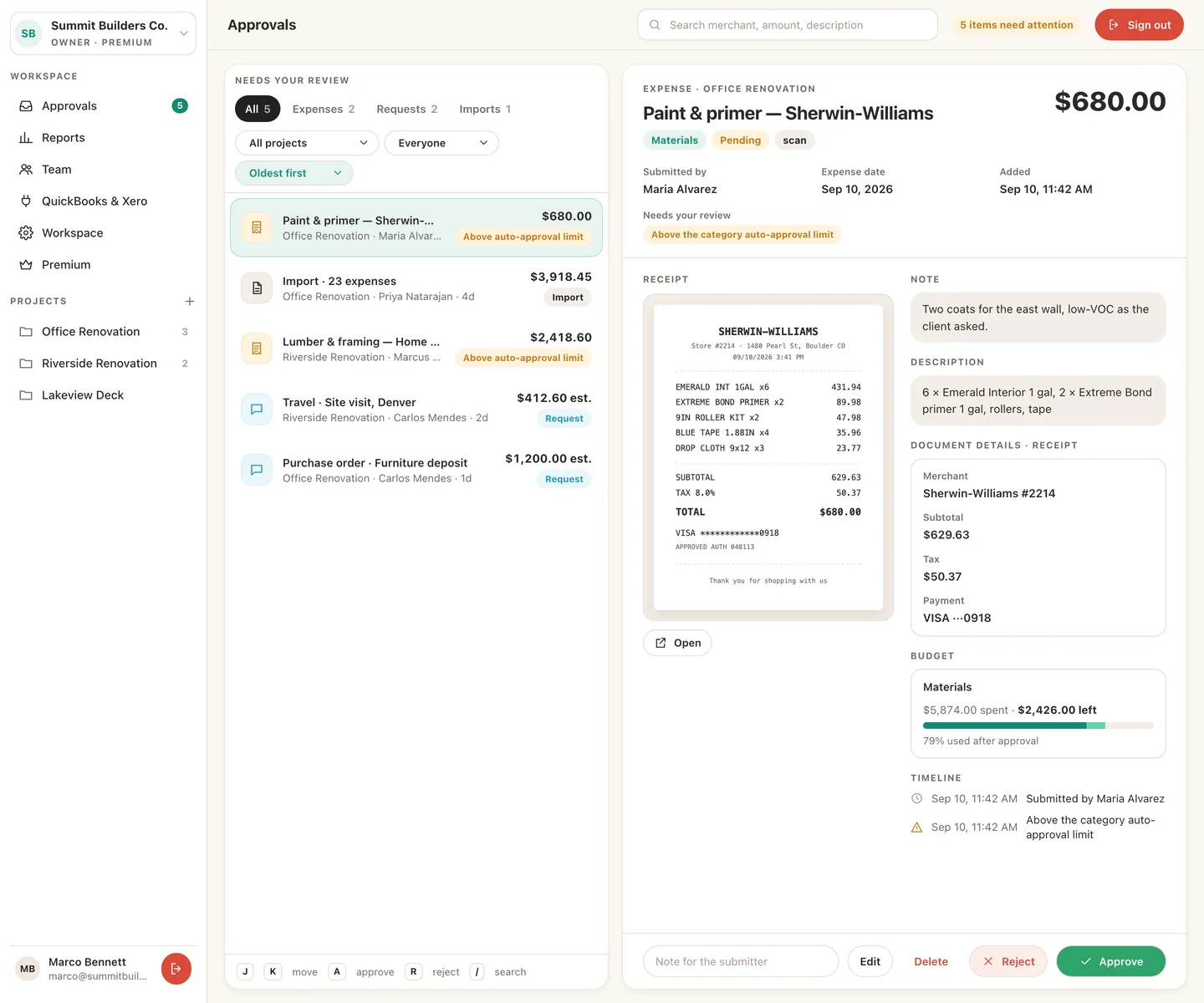
The office view on the web
Owners and Approvers can work the same queue on a bigger screen at app.taskspend.com.
TaskSpend is priced per workspace, not per person. The free plan covers three workspaces with 10 projects and 10 people between them, and 100 expenses and 50 requests a month in each workspace. Plus ($7.99 a month) lifts those limits. Premium ($14.99 a month) adds AI document reading and QuickBooks Online and Xero sync.
See how this stacks up against Expensify and QuickBooks in TaskSpend vs Expensify, QuickBooks and Buildertrend.