Approve before you spend, the habit that saves the month
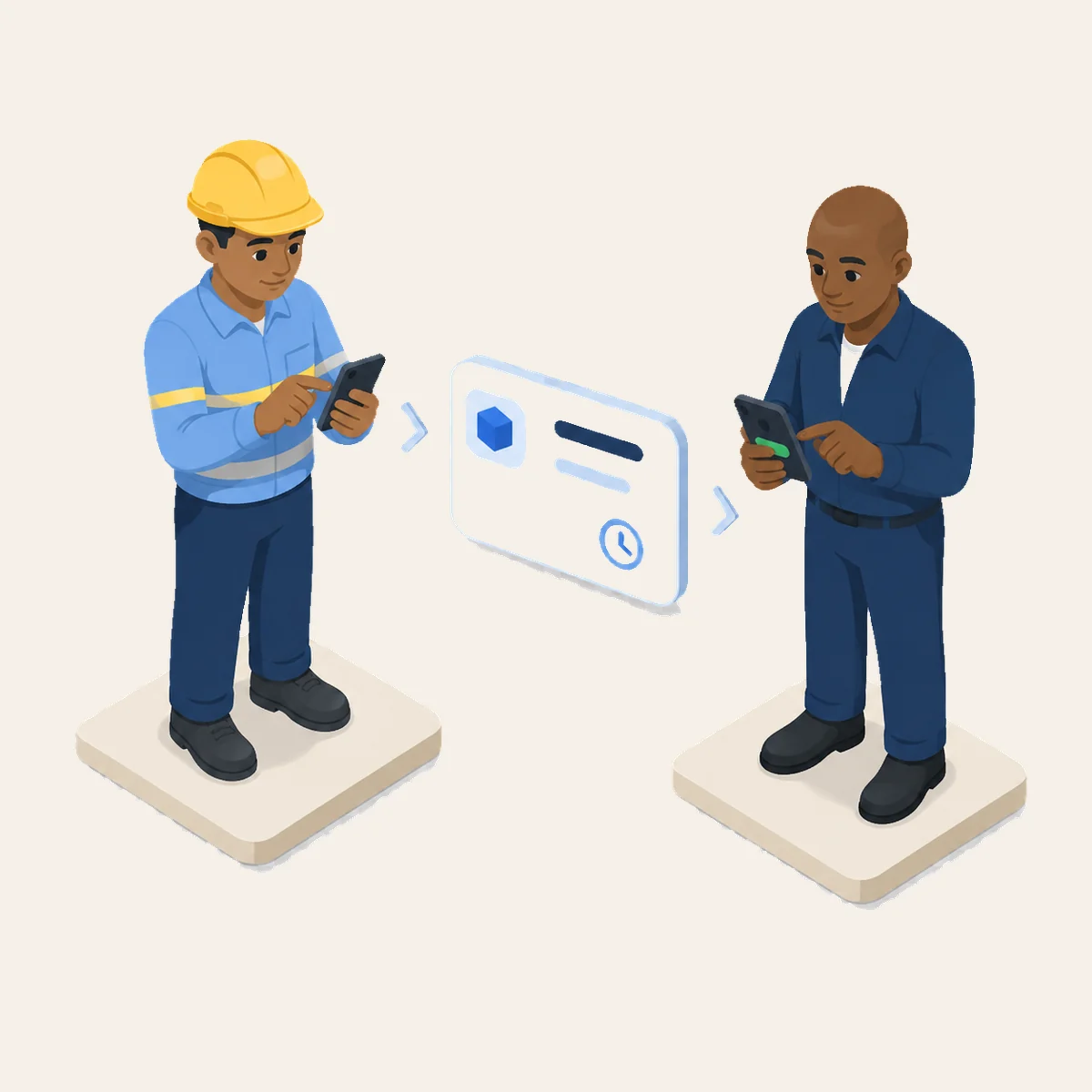
Almost every expense tool is built around the same moment: money has been spent, and now somebody approves it. Which raises a fair question, approve what, exactly? It is gone.
Approving after the fact is not really a decision. It is bookkeeping wearing a decision's clothes. The only two outcomes are "fine" or an awkward conversation with someone who already paid with their own card.
Move the decision earlier and everything gets easier
Ask before the money leaves, and the same question becomes genuinely useful:
- You can still say no. Or "yes, but the cheaper one", which is the answer that saves the month.
- Nobody is out of pocket. No one fronts money hoping it comes back.
- The budget stays true. Committed spend is visible before it lands.
- No awkward conversation. The tense chat only exists because the decision came too late.
People ask permission far more readily than you would expect, as long as asking is easy and the answer comes back quickly. The habit only sticks if both halves are fast.
Making the answer fast
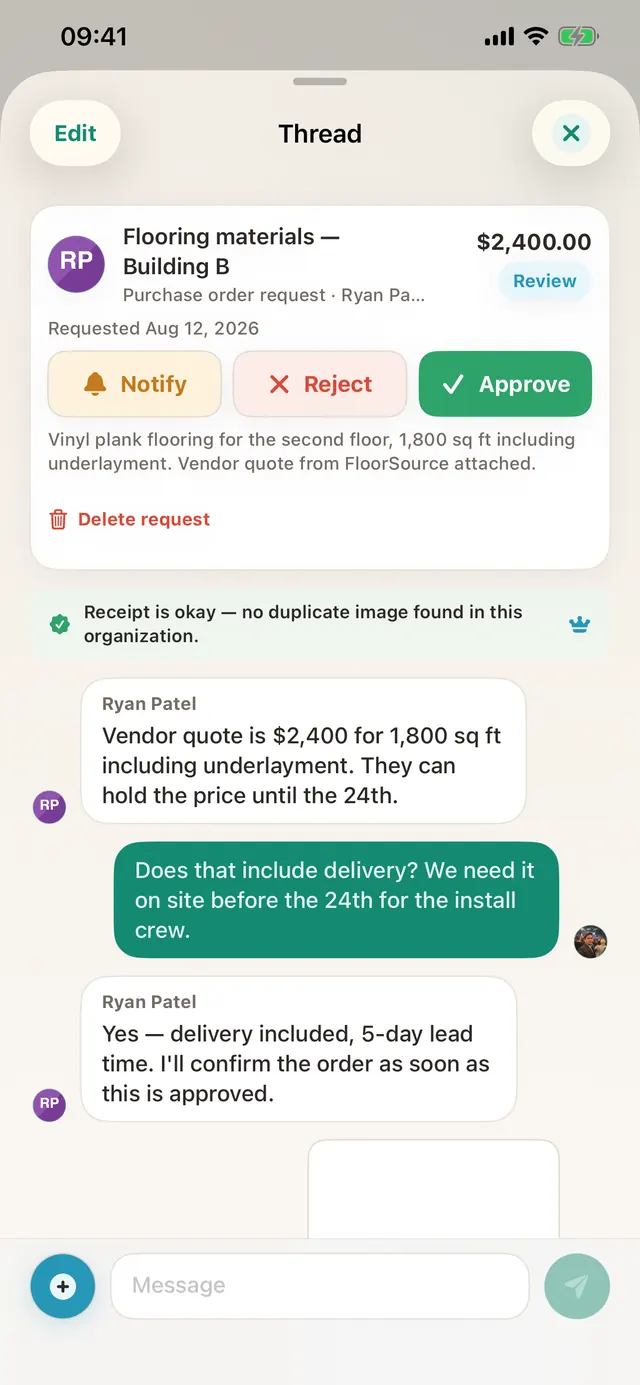
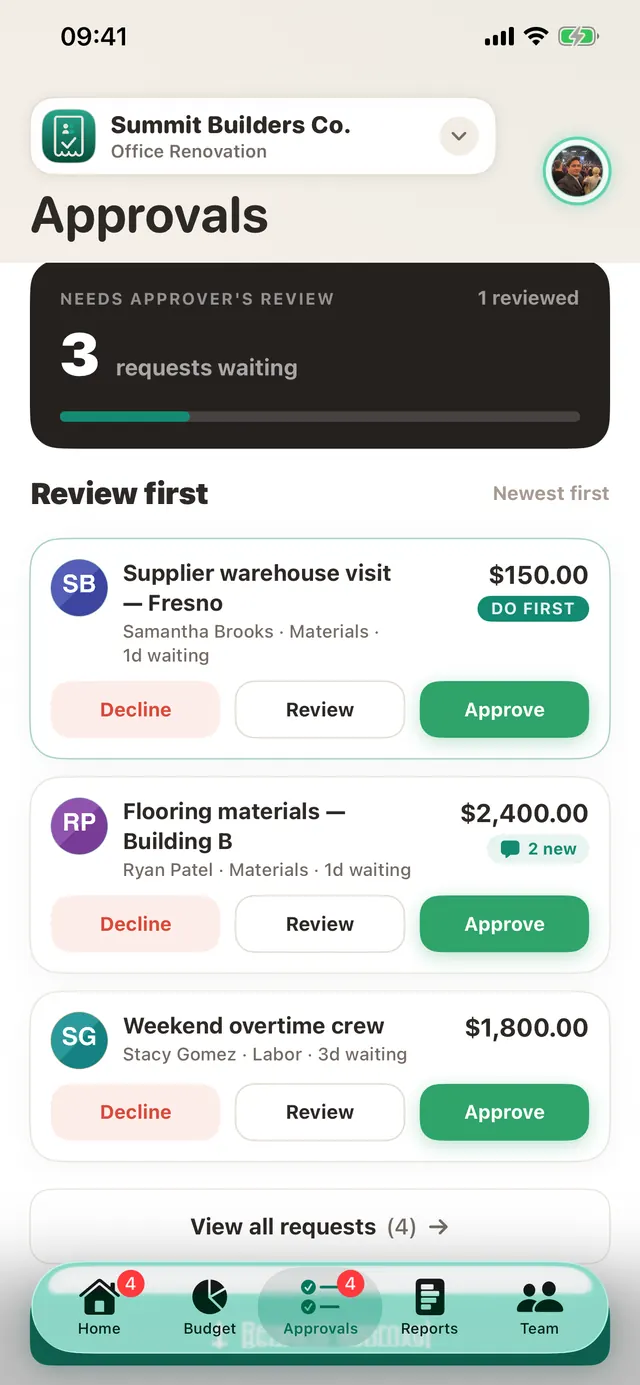
An approval queue only works if deciding takes seconds. Everything waiting on you sits in one list, and each card carries what you need to judge it: the receipt or quote, the project, and what is left in that budget line. Approve or decline, one tap.
When the queue gets long, after a holiday, say, you can decide everything at once with a single note to the team, instead of tapping through forty cards.
And it is all written down
Every decision keeps its trail: who asked, what they attached, who decided, when, and what they said. Not to catch anyone out, because six months later, nobody remembers why the bigger cutter was hired, and the trail answers it in seconds.
The quiet cultural bit
Teams often worry this will feel like surveillance. In practice it tends to do the opposite. A clear way to ask, with a quick answer, removes the guesswork about what people are allowed to spend, and guesswork is what makes people either overspend or hesitate when they should just get on with it.
Try it on your next project
TaskSpend is free to start, one project, ten people, no card needed.
Get TaskSpend